When you pay for an order, your bank checks your card's billing details before it approves the payment. If the zip or postal code saved in your ClearFront account doesn't match the one your bank has on file for your card, the payment is declined. You'll see an error saying your card's zip code is invalid.
Why This Happens
During sign up, you enter your billing details: address, city, state or region, zip or postal code, and country. At checkout, these details are sent to your card's issuing bank along with the payment. Your bank compares them with the address it has registered for your card. This is a standard anti-fraud check called Address Verification (AVS). If the zip code doesn't match, the bank declines the payment.
This does not mean your card is blocked or that anything is wrong with it. You only need to update the billing details in your account so they match your bank's records exactly.
Common Causes
- A typo in the zip or postal code
- Using your shipping or home address when your card is registered to a different address
- Moving recently without updating your address with your bank
- Formatting differences, such as a missing space in a UK or Canadian postal code (for example, SW1A 1AA or M5V 3L9)
- Selecting the wrong country in your billing details
Find the Correct Billing Address
- Check the address your bank has on file for your card. You can find it on your card statement, in your online banking or banking app, or by calling the number on the back of your card.
- Note the exact zip or postal code, including any spaces or letters.
Update Your Billing Details
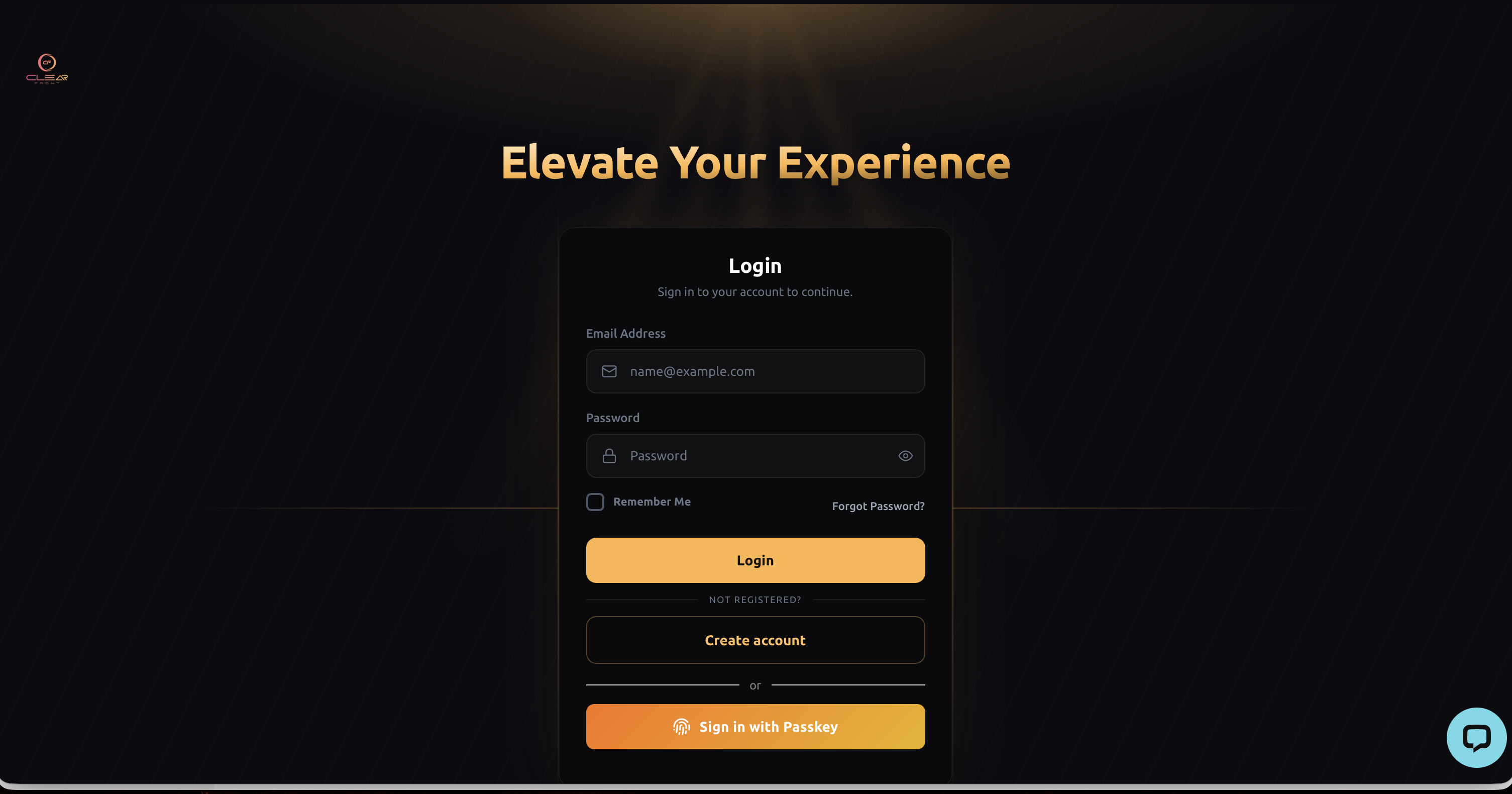
- Log in to your account at nova.cfplatform.xyz
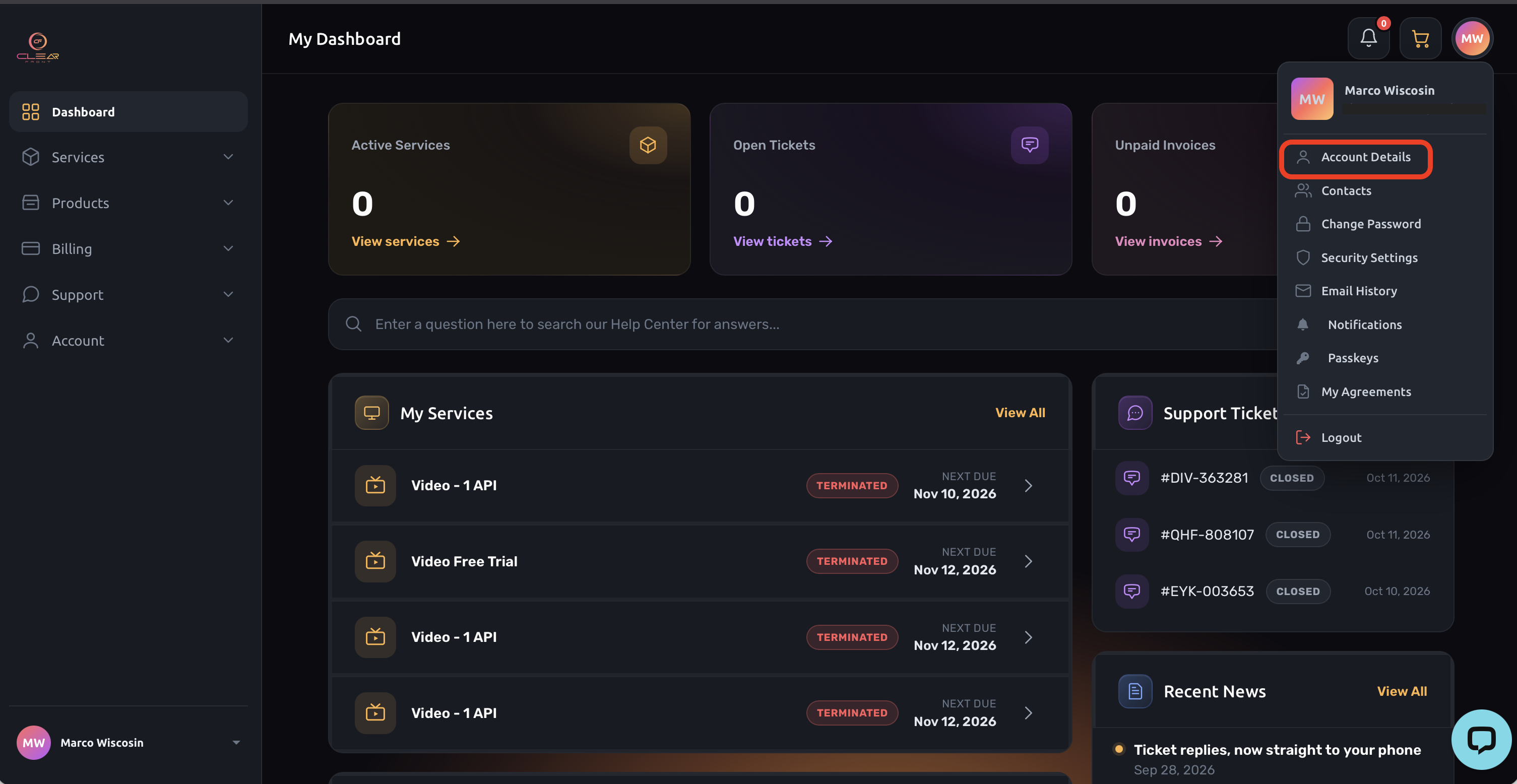
4. Click your name in the top right corner and select Account Details.
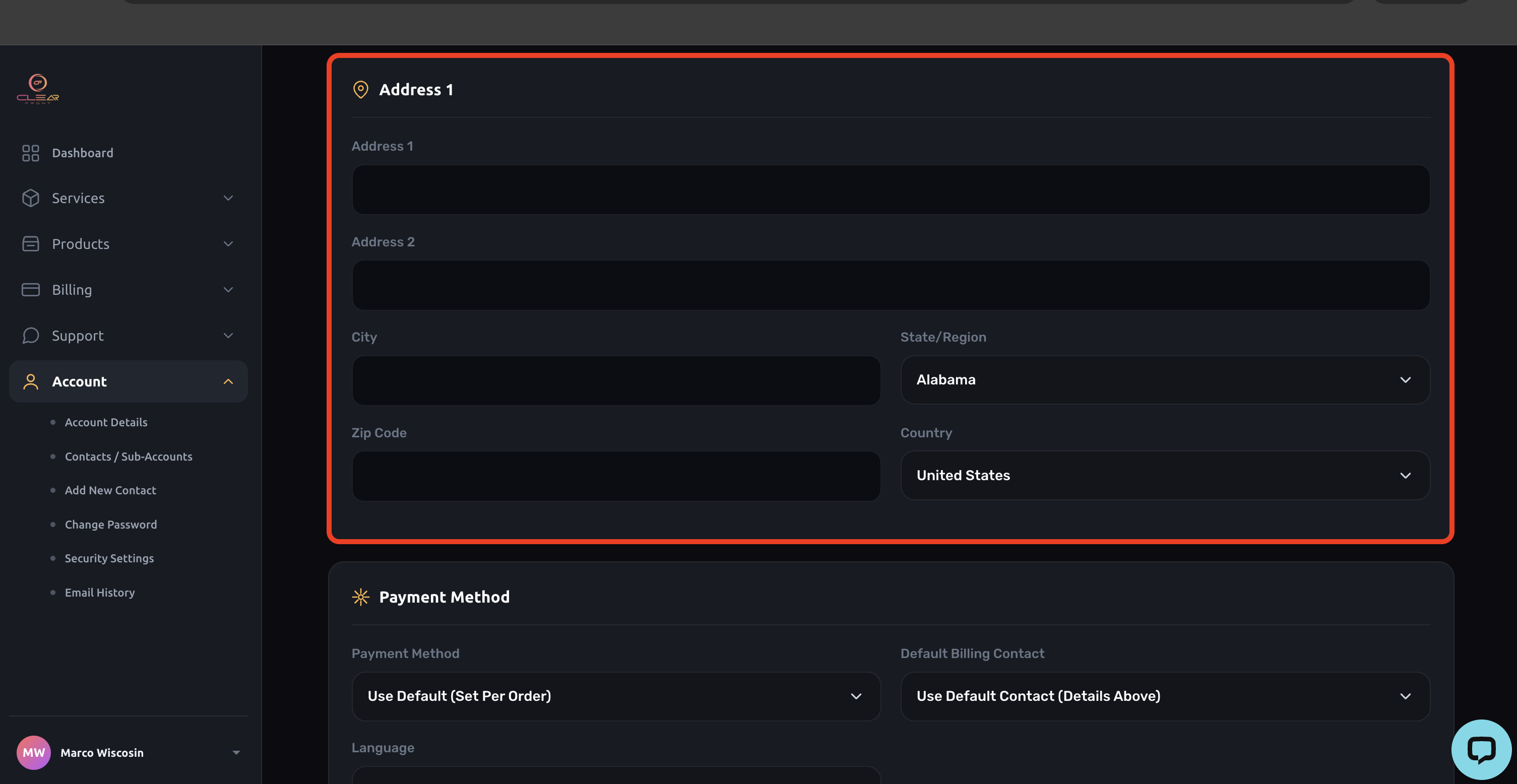
5. Update your Address, City, State/Region, Zip/Postal Code and Country so they match your bank's records exactly.
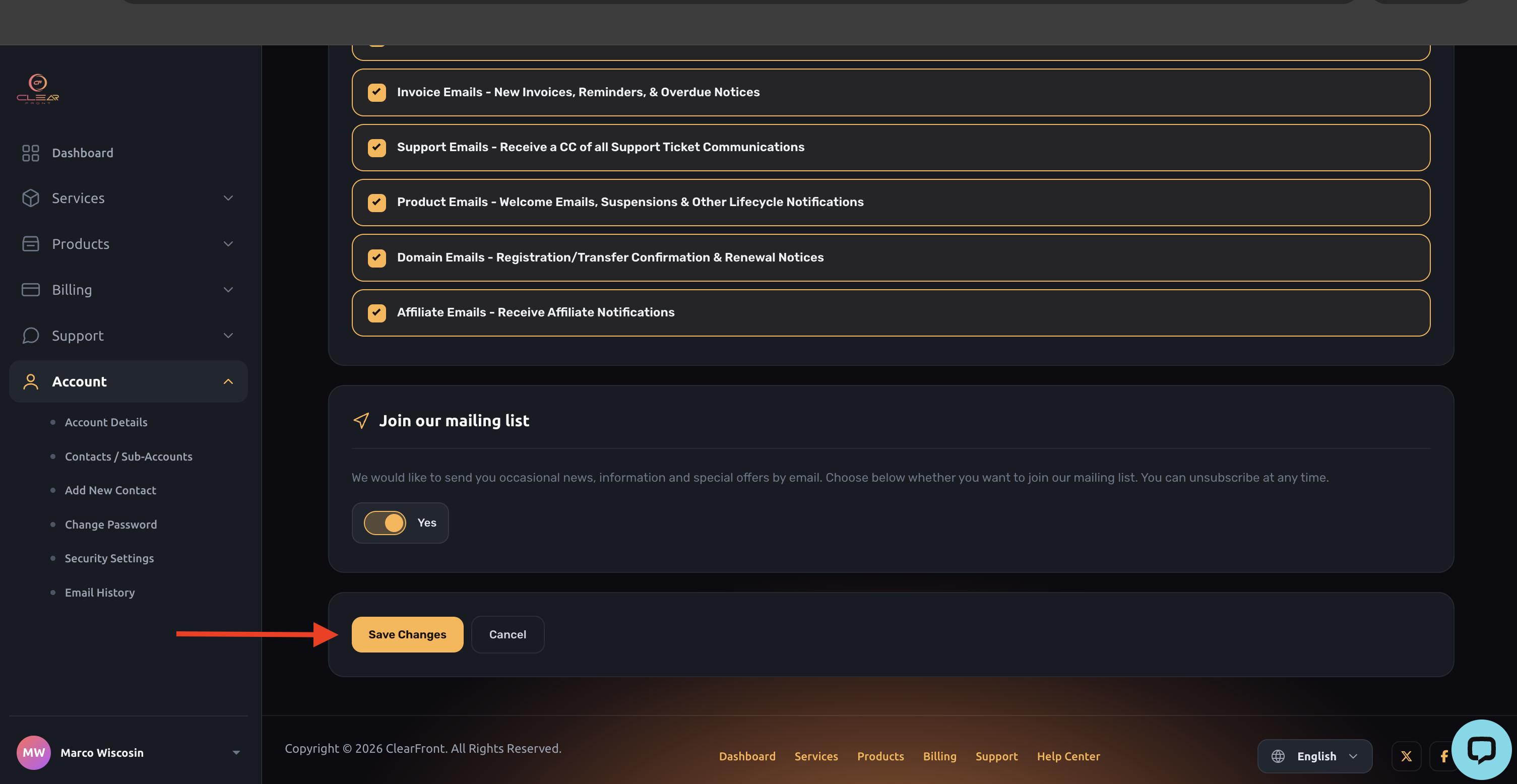
6. Scroll down and click Save Changes.
Complete Your Order
- Click the cart icon at the top of the page to return to your cart.
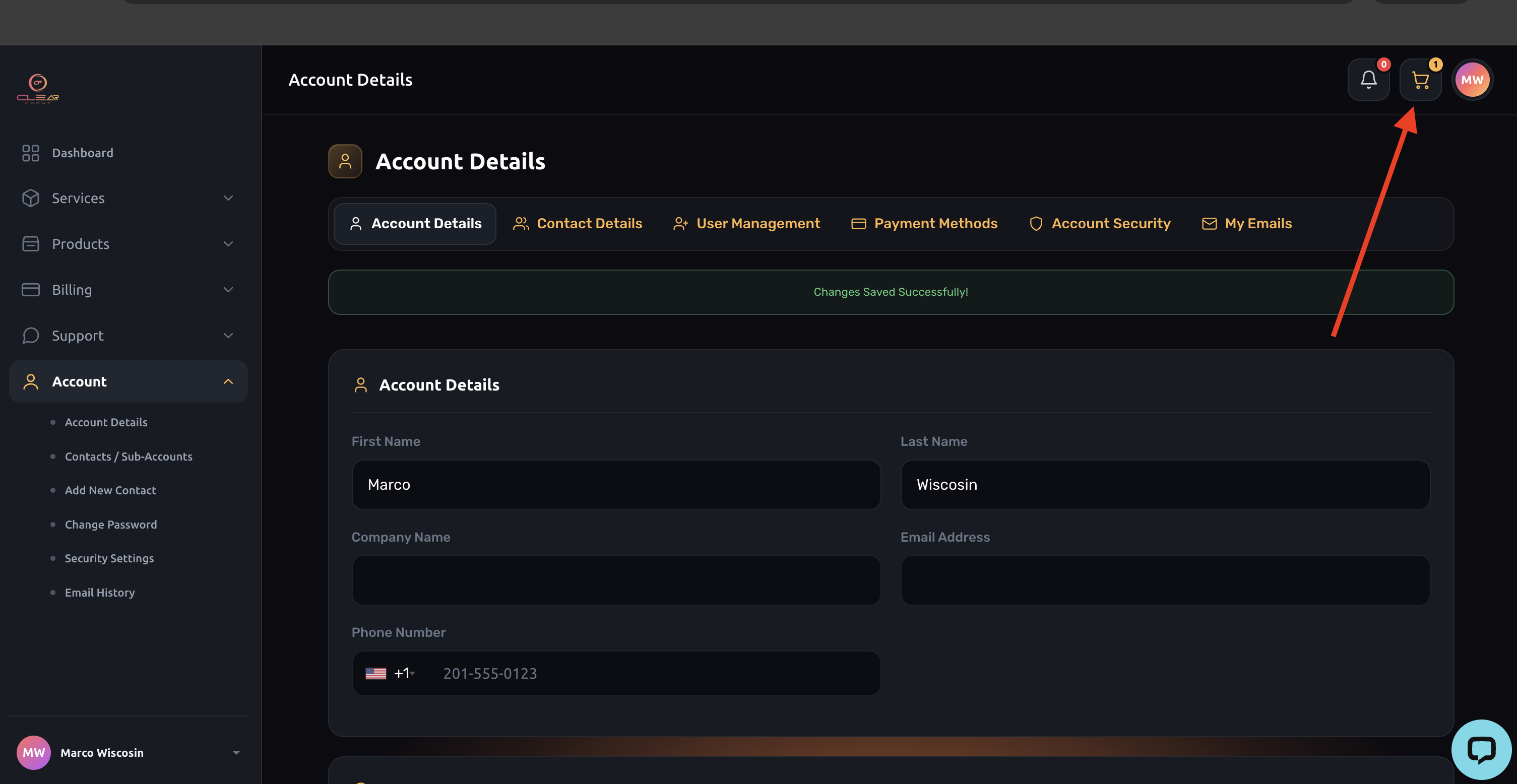
- Review your order and click Checkout.
- Enter your card details again and complete the payment.
Good to Know
- Your order is not placed until your payment is approved. Your selected plan stays in your cart, so you can pick up right where you left off.
- If your cart is empty, simply select your plan again from the store and proceed to checkout.
- Once your payment is approved, your service is activated automatically.
- In some cases, your bank may show a pending authorization from a declined attempt. This is not a charge, and your bank releases it, usually within a few business days.
- If your bank has an outdated address on file, update it with your bank first, then update your ClearFront account to match.
- Repeated failed attempts may cause your bank to temporarily block further payments. If the error continues after you update your details, contact your bank before trying again.