Your dashboard password is the password you use to log in to your ClearFront account at cfplatform.xyz, where you manage your subscription, billing, and account details. This is separate from the password you use to sign in to the ClearFront app on your streaming device. This guide explains how to change your dashboard password, whether you're logged in or have forgotten it.
1. Understand Which Password You're Changing
The dashboard password controls access to your online account and billing area. Your app password is used only to sign in to the ClearFront app on your TV, phone, tablet, or streaming device. If you're trying to update the password for the app instead, please see the related article on changing your app password.
2. Changing Your Password While Logged In
If you already know your current password and are able to log in, this is the quickest method:
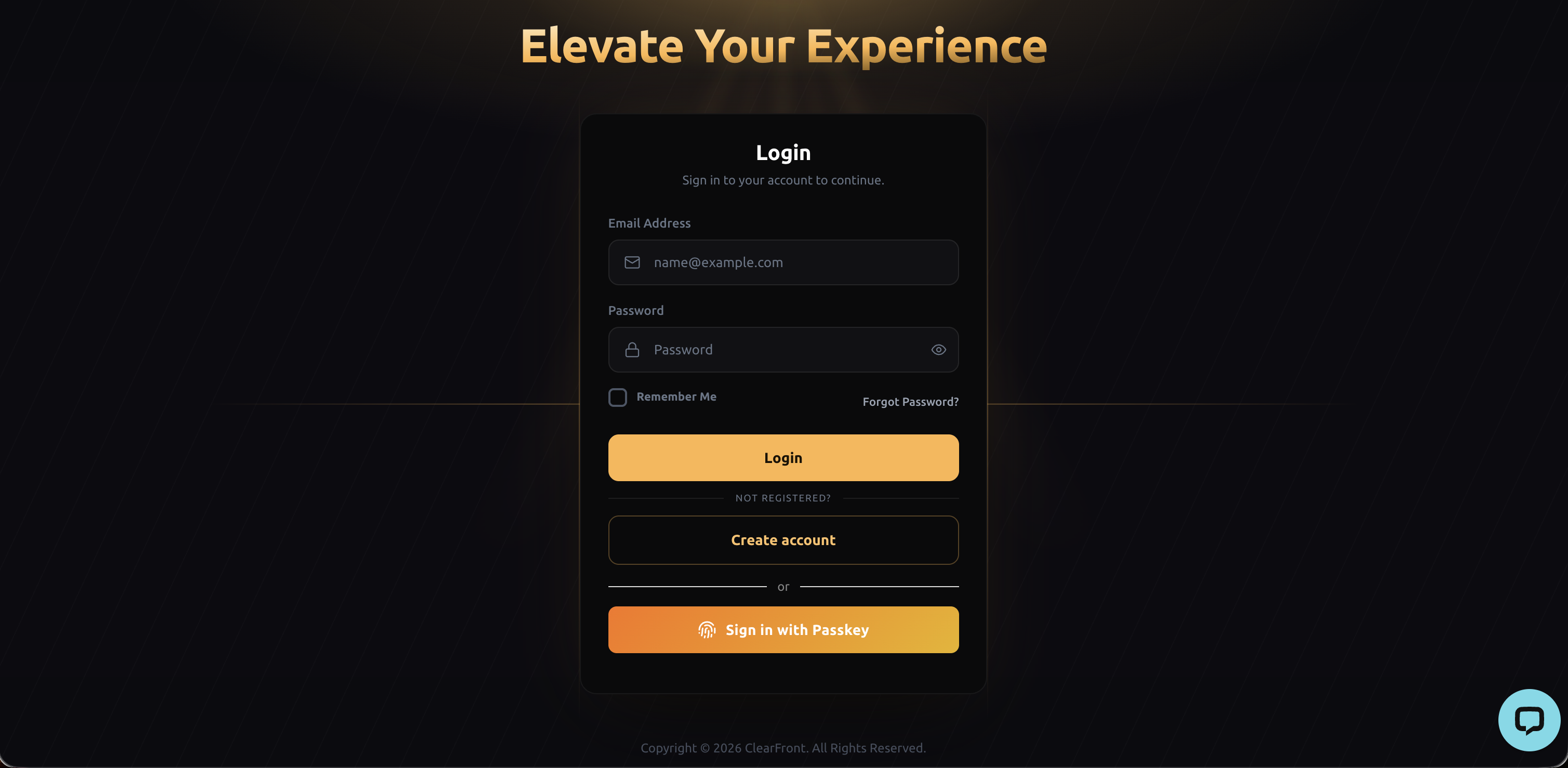
2.1 Log in to your account at dashboard.cfplatform.xyz.
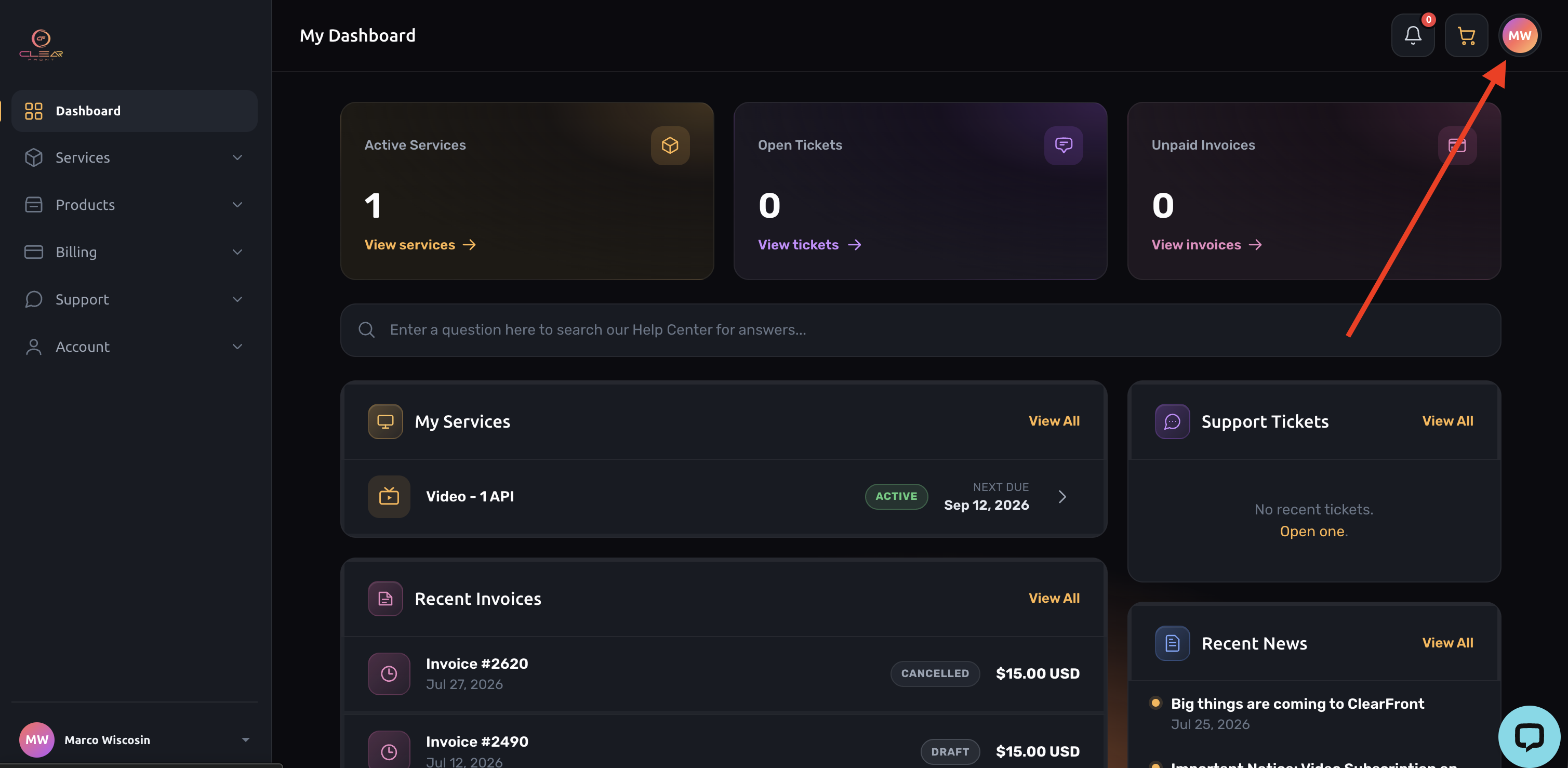
2.2 Click your name or profile icon in the top corner.
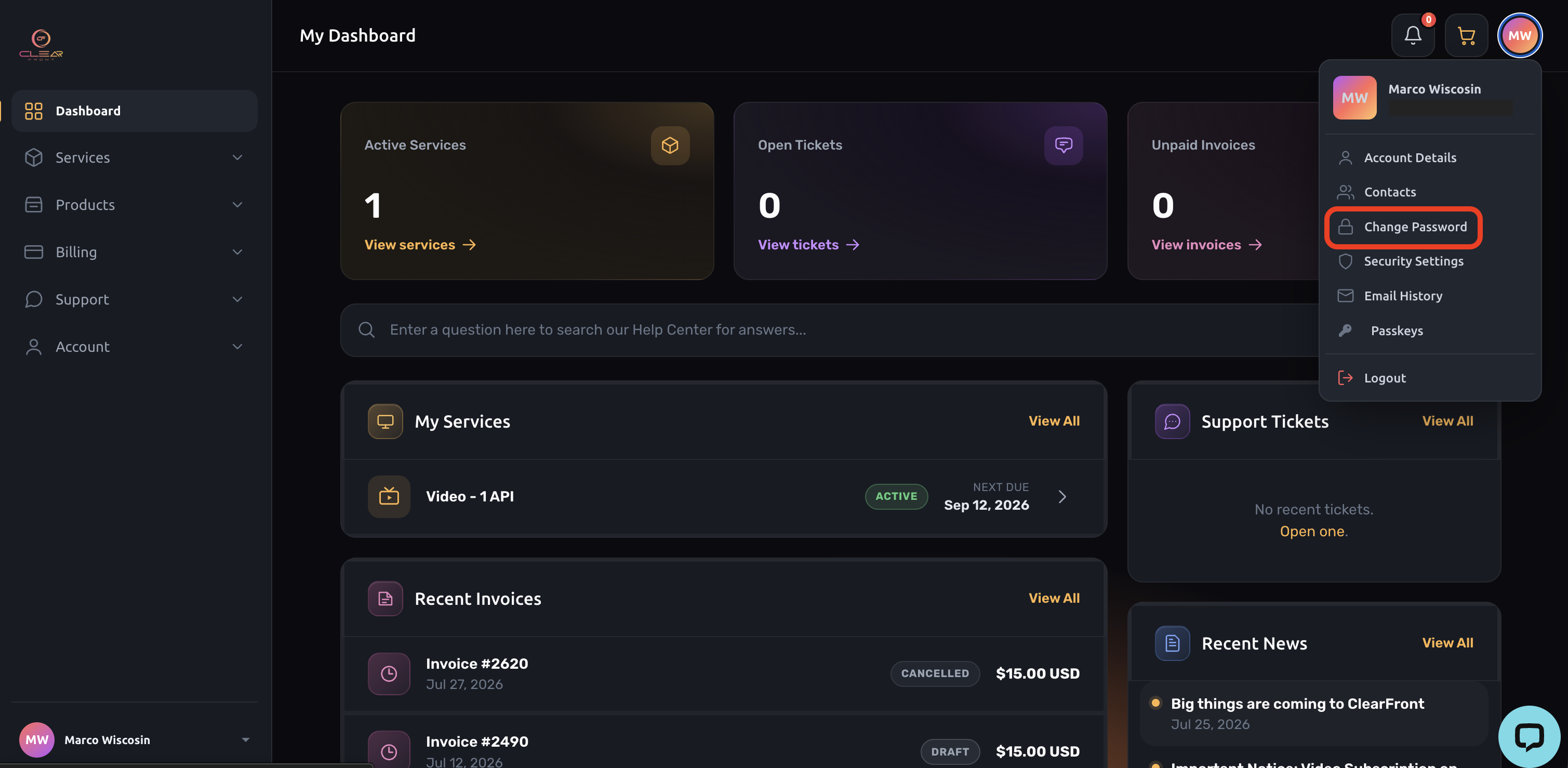
2.3 Select Change Password.
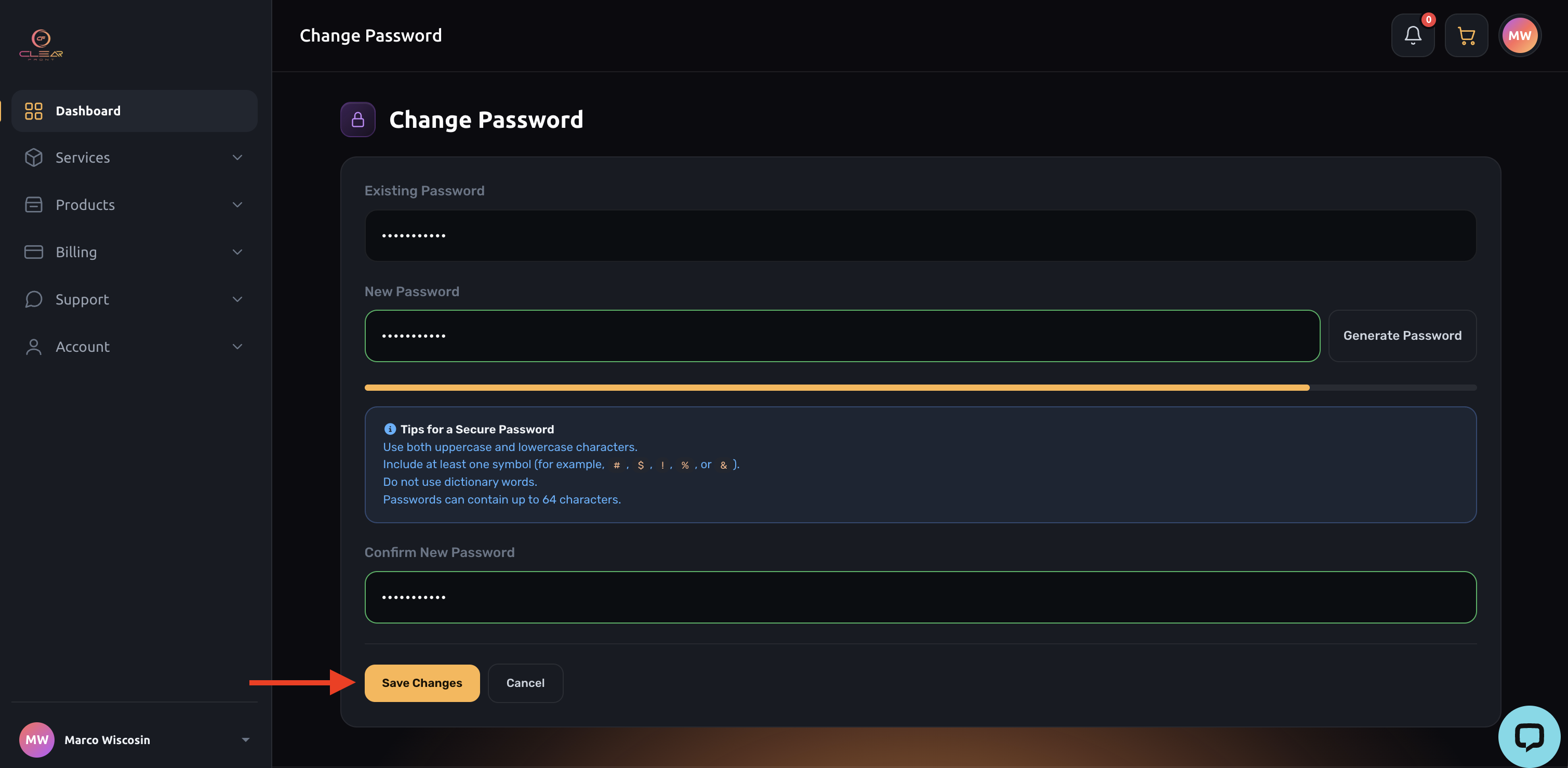
2.4 Enter your current password, then enter your new password and confirm it.
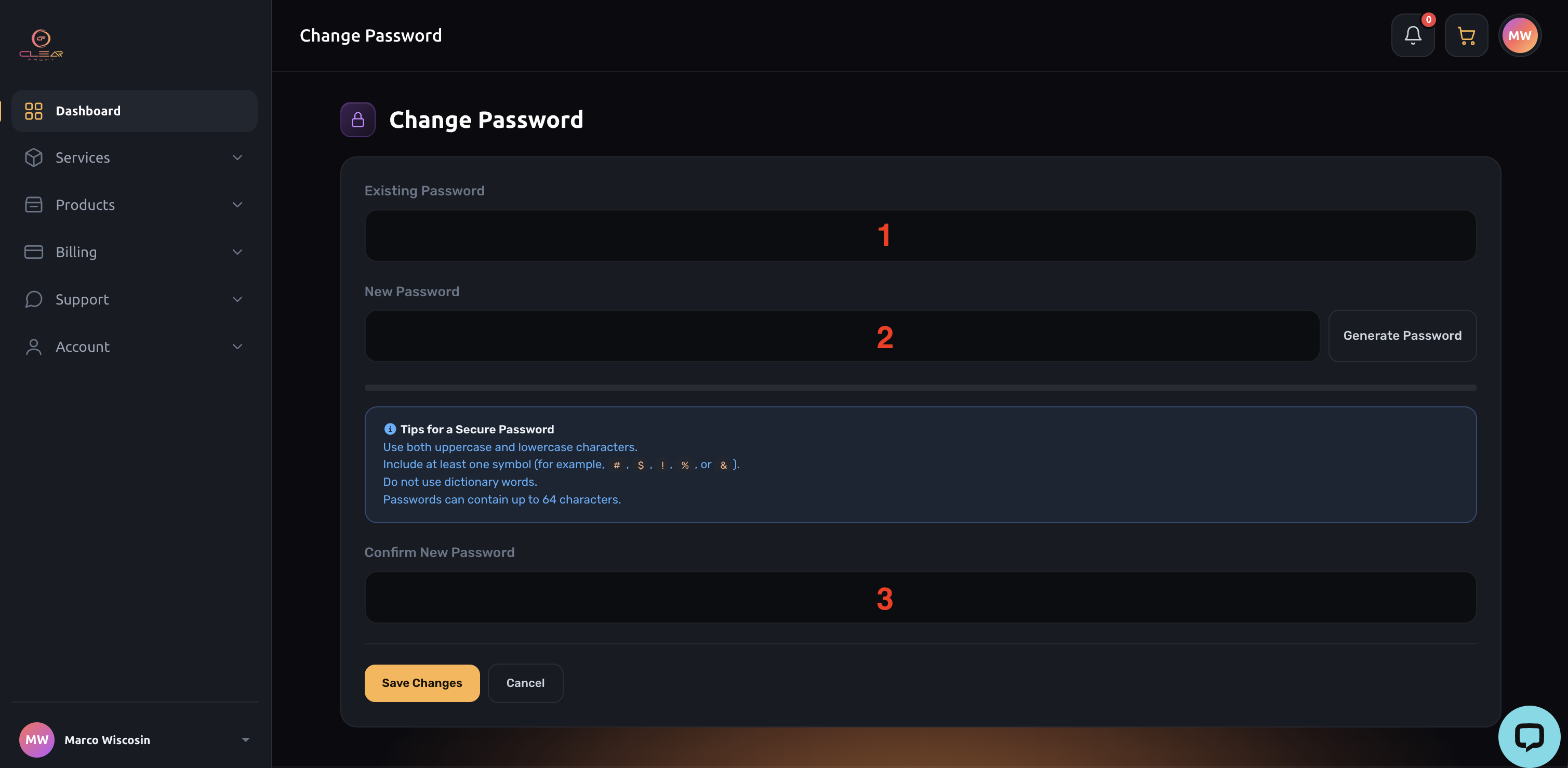
2.5 Click Save Changes to apply your new password.
3. Resetting Your Password If You've Forgotten It
If you can't remember your current password, you can reset it using our password reset page:
3.1 Go to https://nova.cfplatform.xyz/index.php?rp=/password/reset
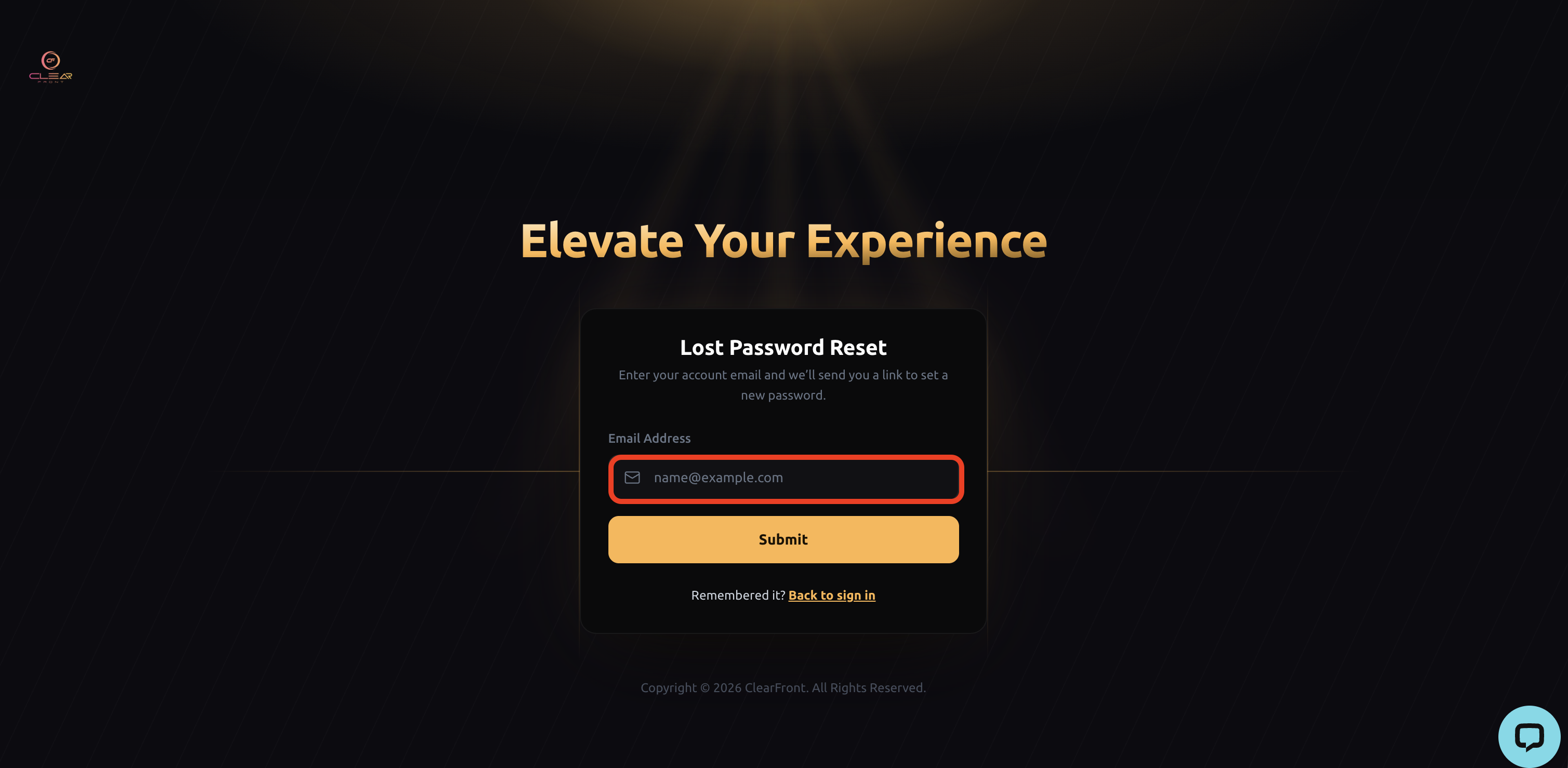
3.2 Enter the email address associated with your ClearFront account.
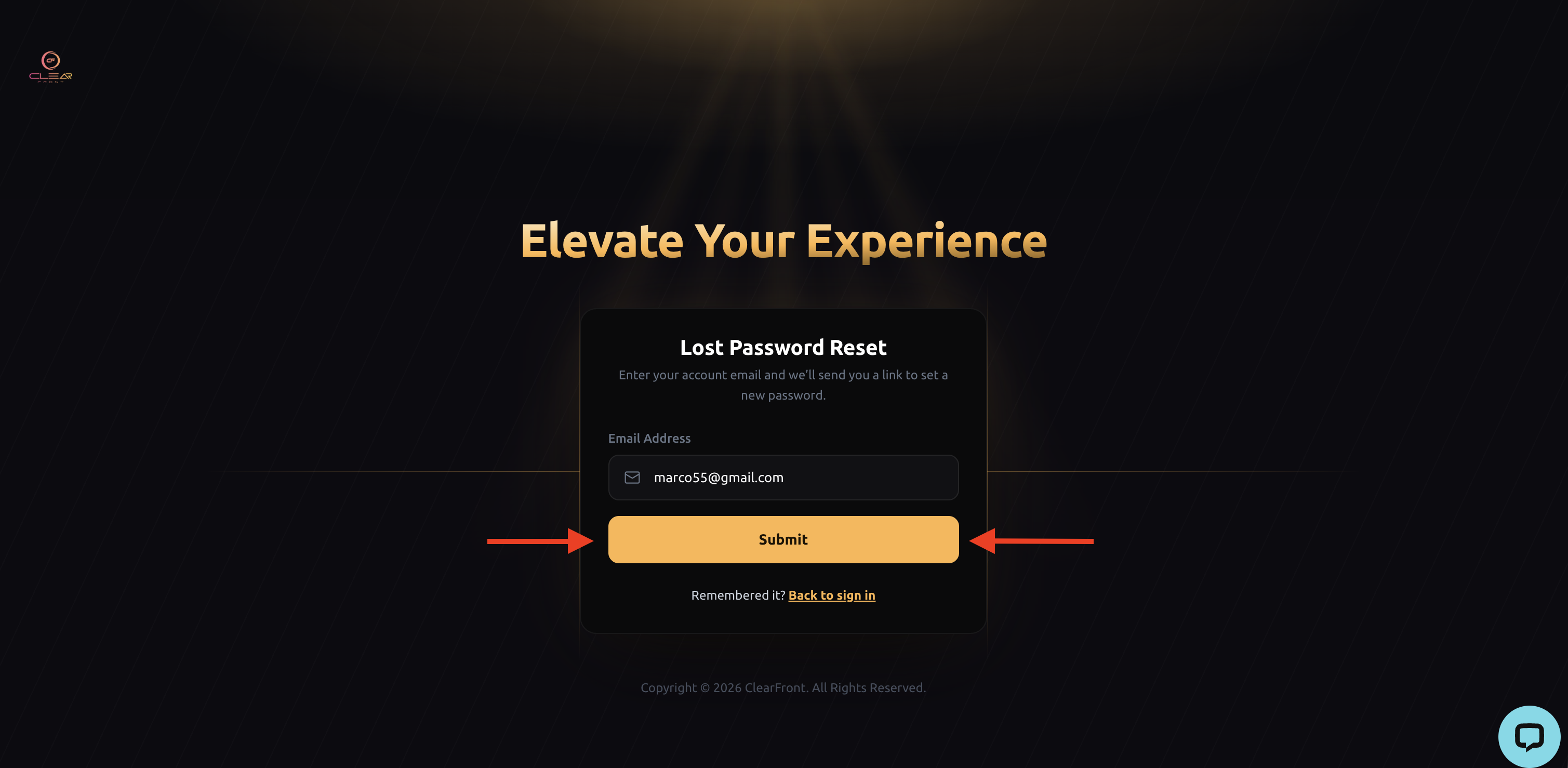
3.3 Click Submit. If an account exists for that email, we'll send you a password reset link.
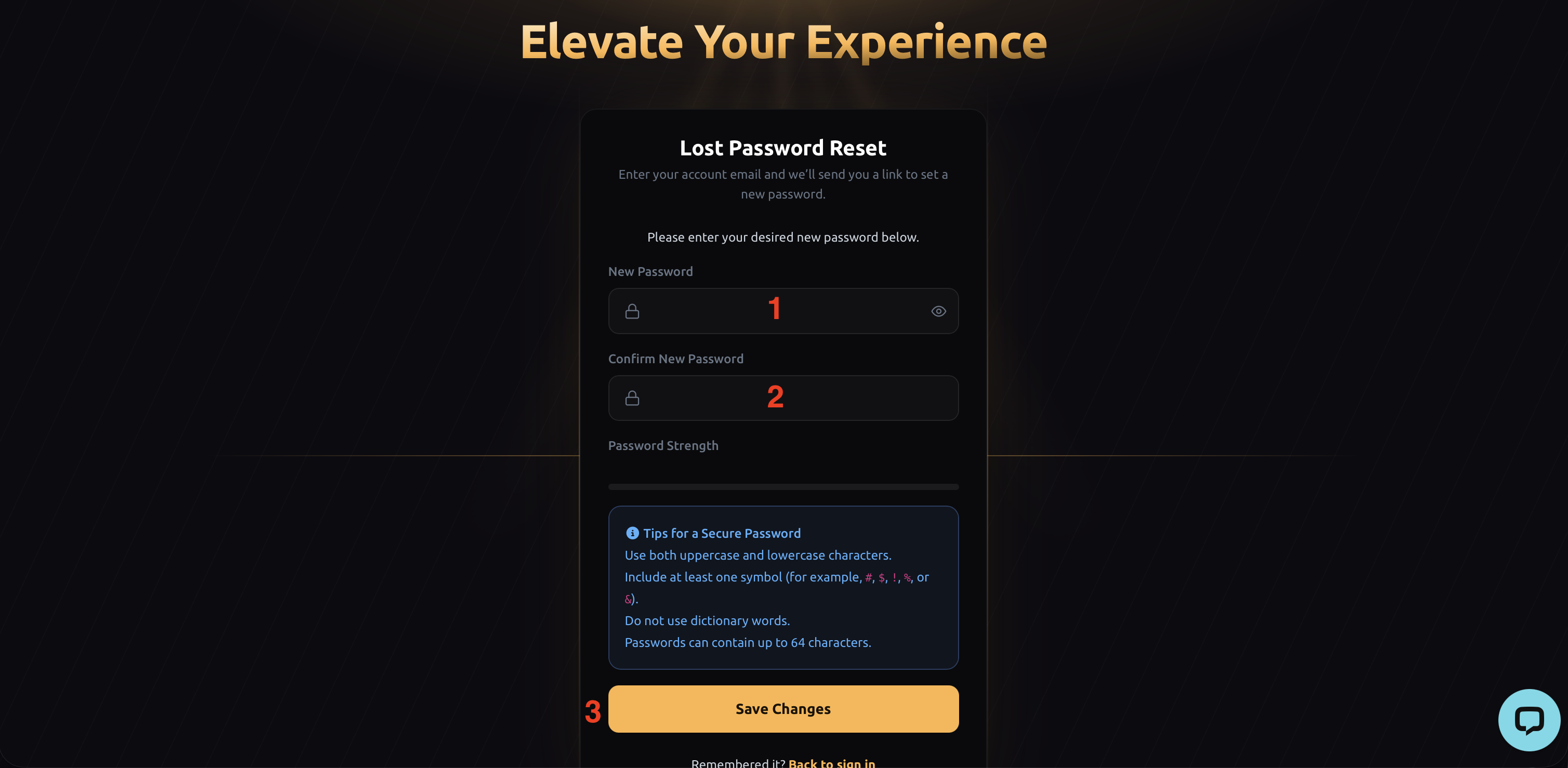
3.4 Open your email and click the reset link. Be sure to check your spam or junk folder if it doesn't arrive within a few minutes. The reset link is valid for a limited time for your security. If it expires, simply return to the reset page and request a new one.
3.5 Enter your new password, confirm it, and save.
5. Log In With Your New Password
Once your password has been changed, use your new password the next time you log in at cfplatform.xyz. Your app password remains unchanged and will still work as before.
Need More Help?
If you don't receive the reset email or have trouble accessing your account, our support team is here to help. Contact us at support@cfplatform.xyz and we'll be glad to assist you.