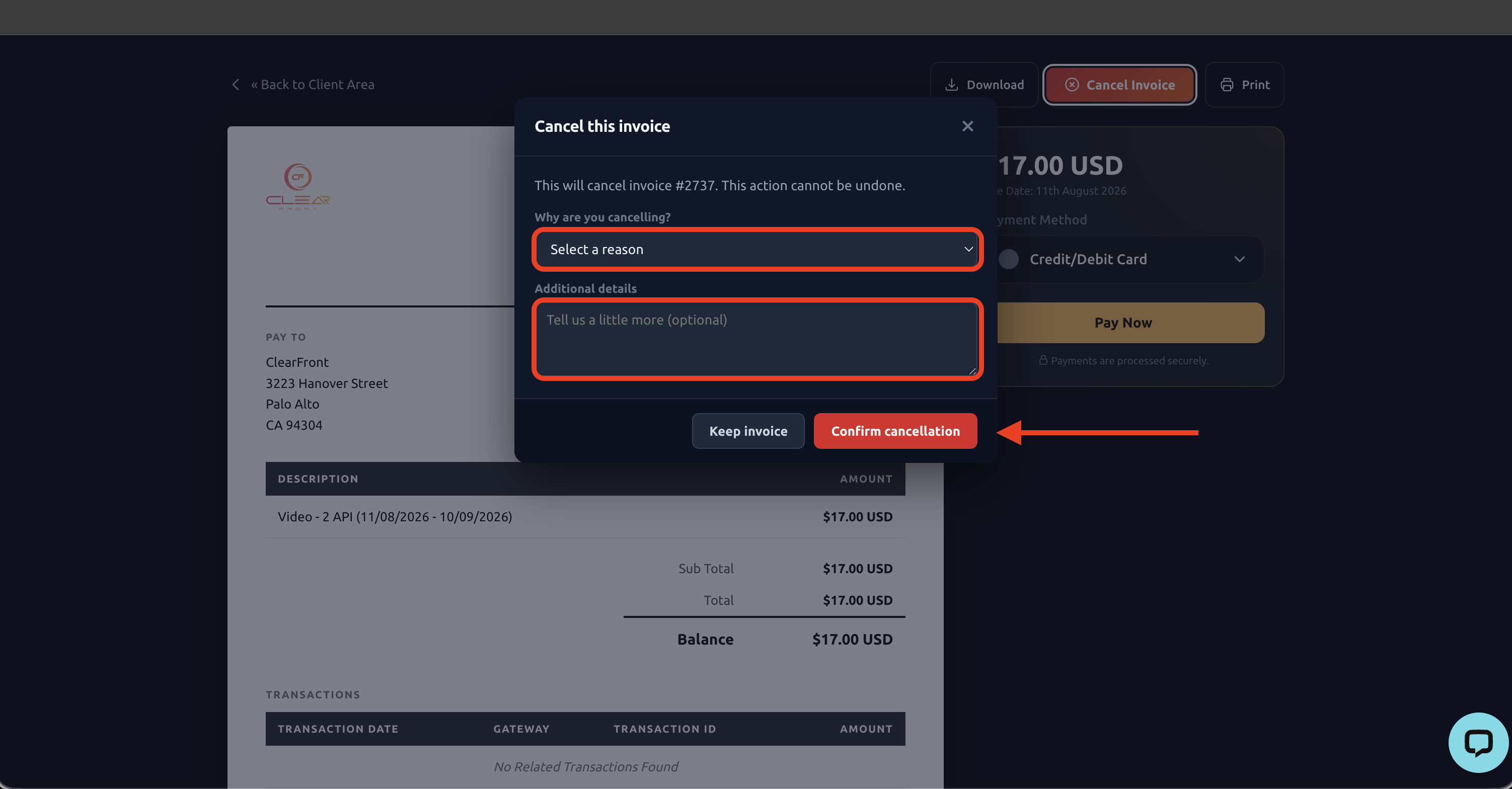
Cancelling an invoice on ClearFront is very easy.
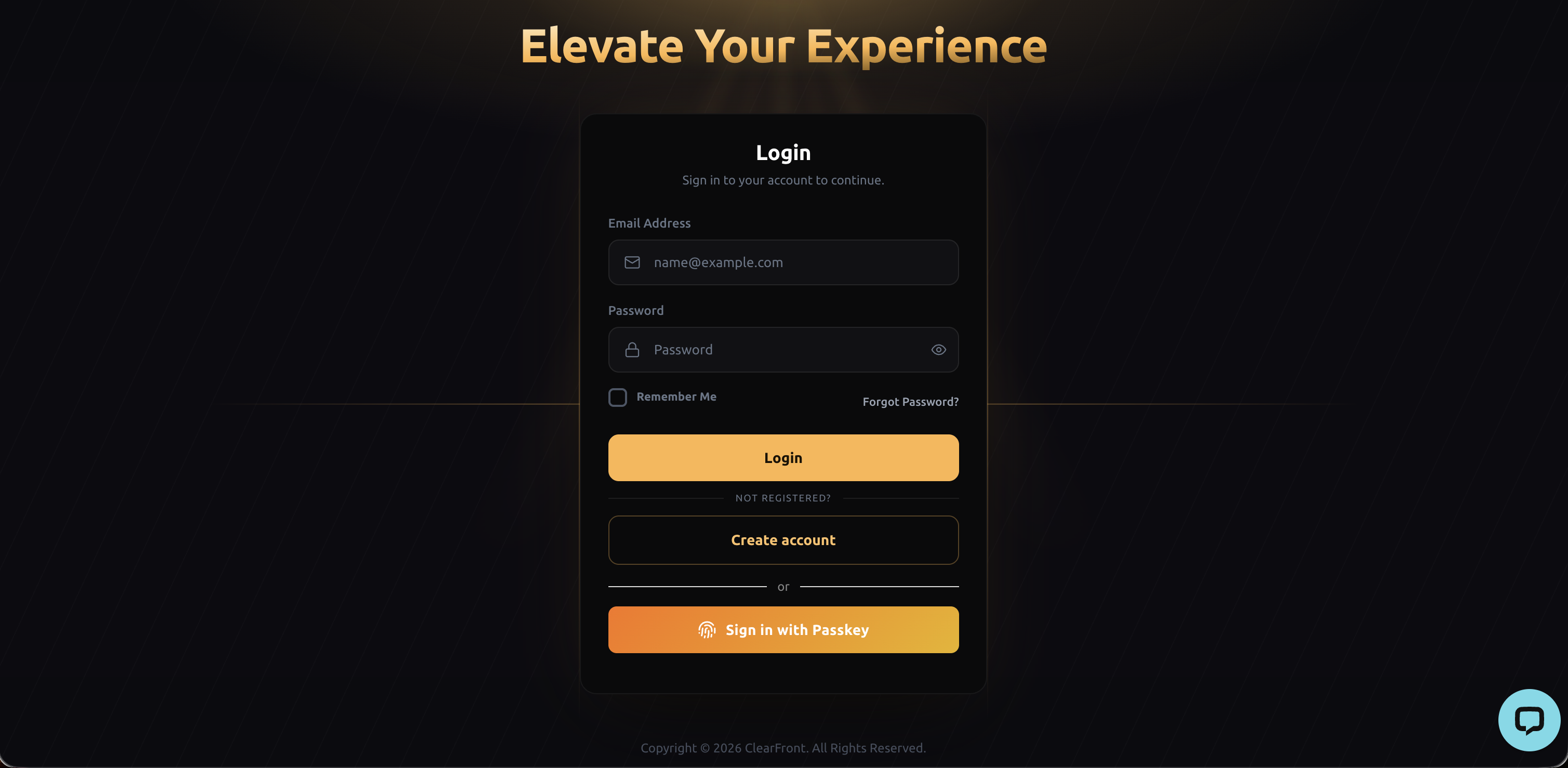
- Sign-in into your ClearFront account using your Username and Password or with your Passkey, if you have one registered.
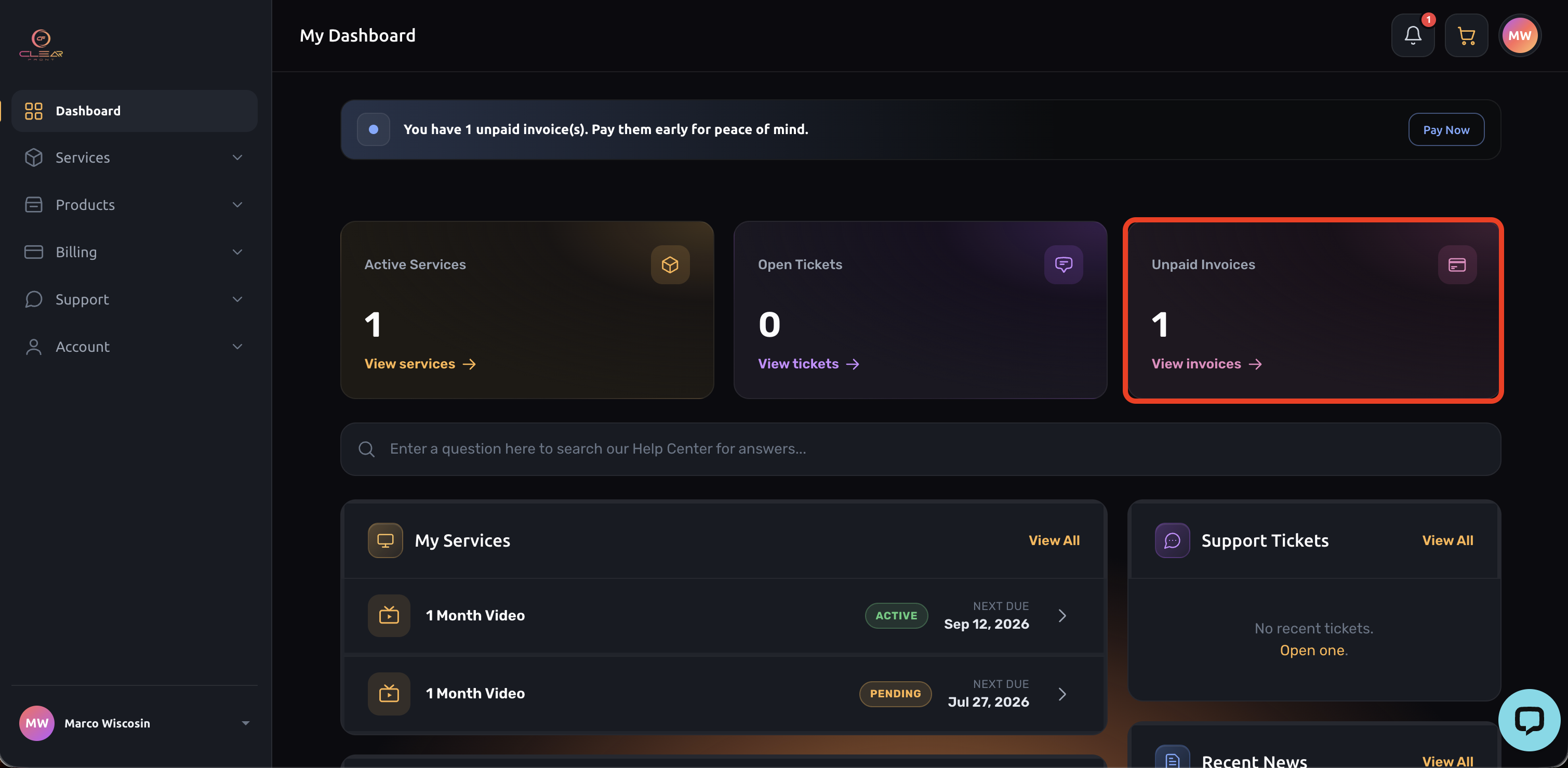
2. Select "Unpaid Invoices".
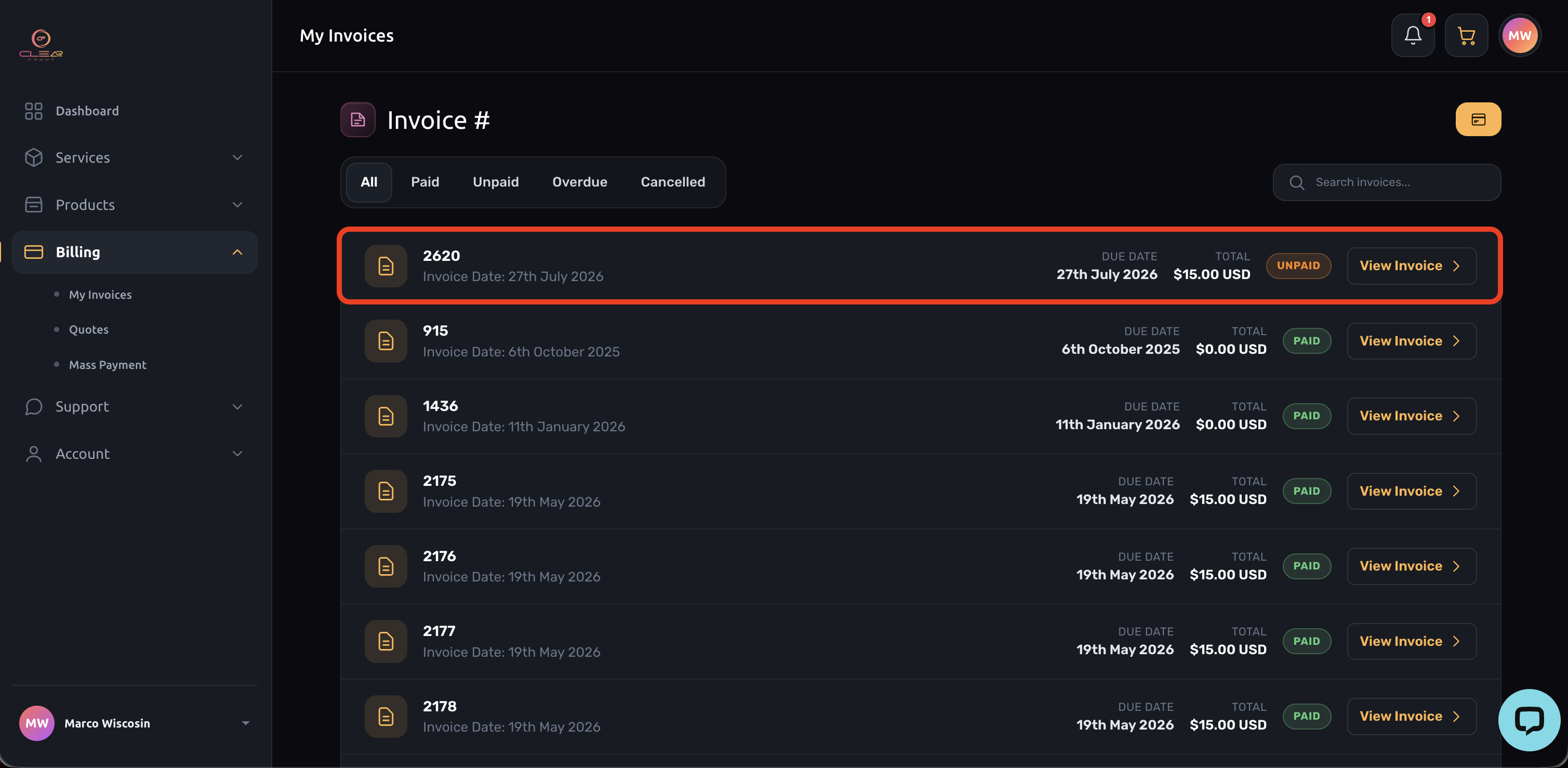
3. Select the invoice you want to cancel.
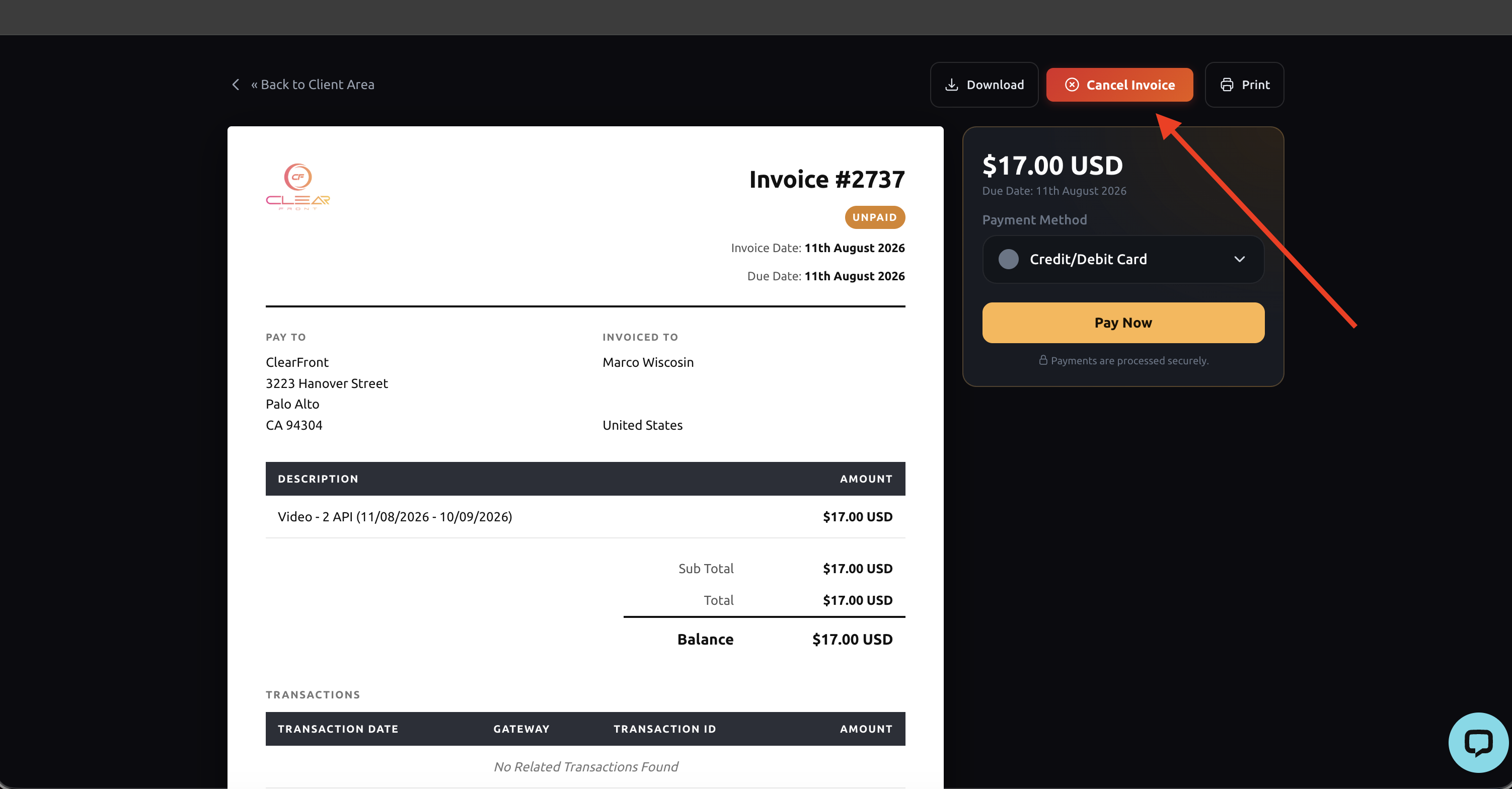
4. Select "Cancel Invoice"
4. Select a reason for cancelling, enter a note then select "Confirm cancelation".