Cancelling your subscription with ClearFront is very easy.
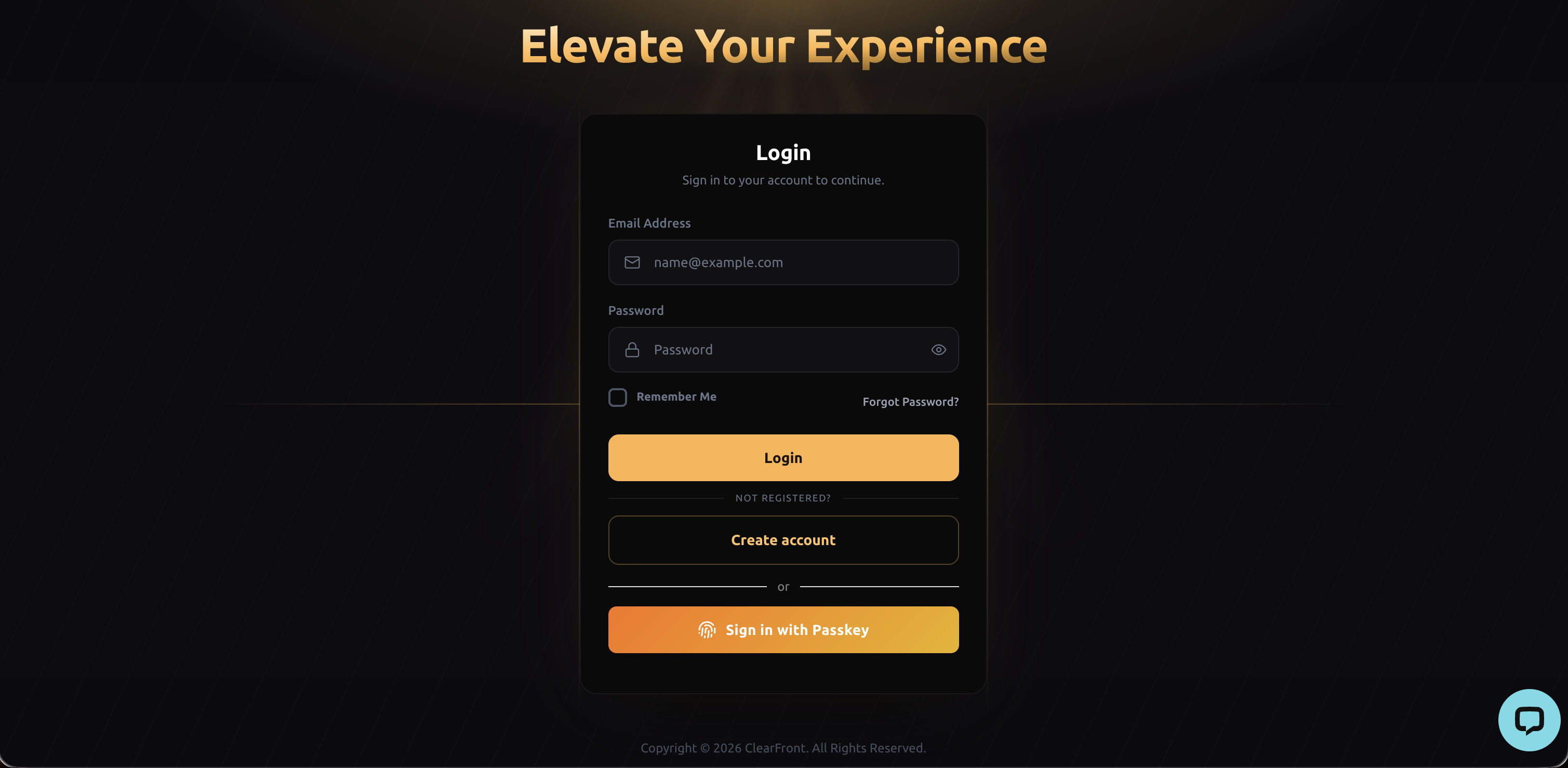
1. Sign-in into your ClearFront account using your Username and Password or with your Passkey, if you have one registered.
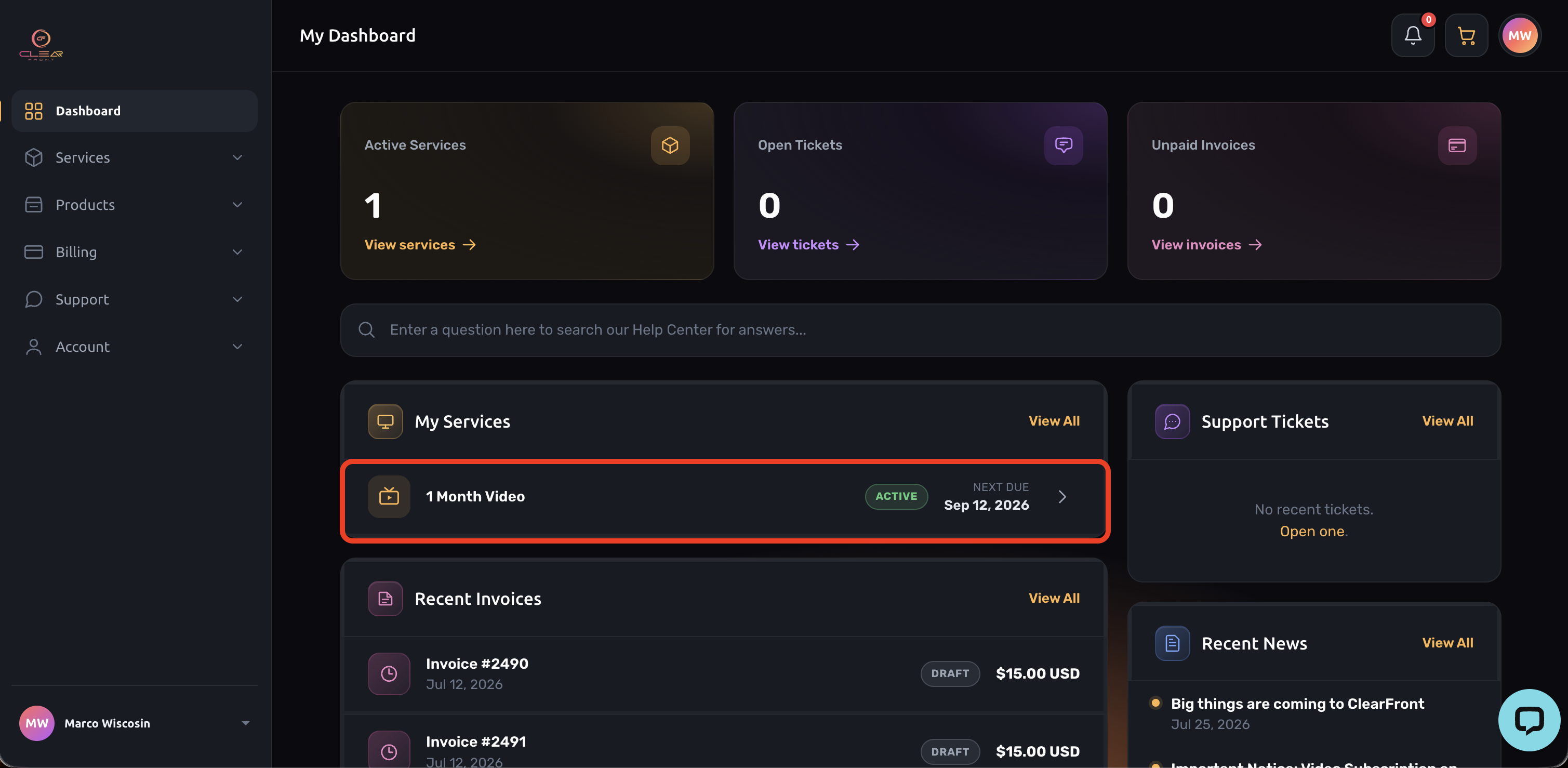
2. Select the service you would like to cancel from the "My Services" menu.
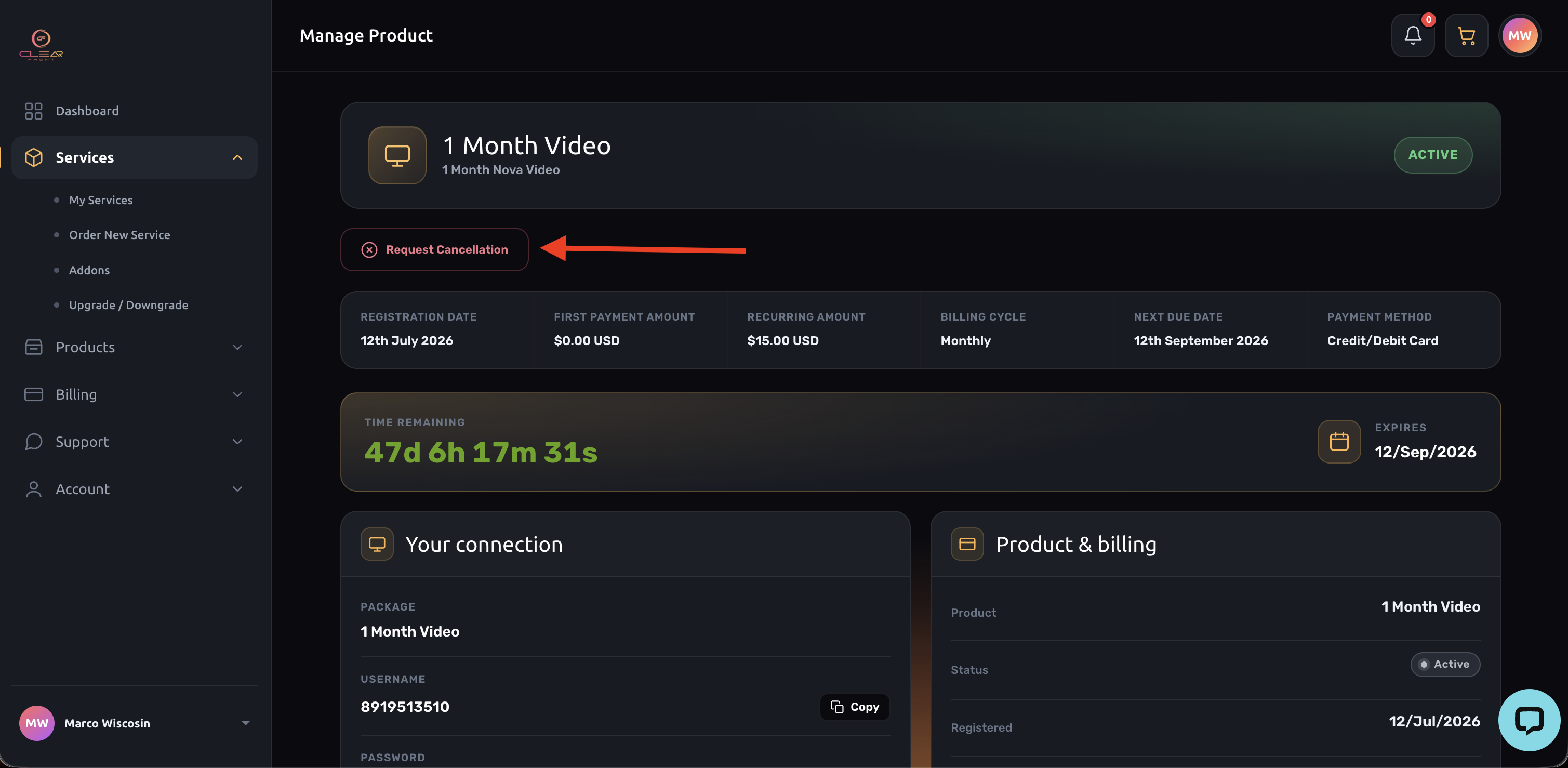
3. Select "Request Cancellation".
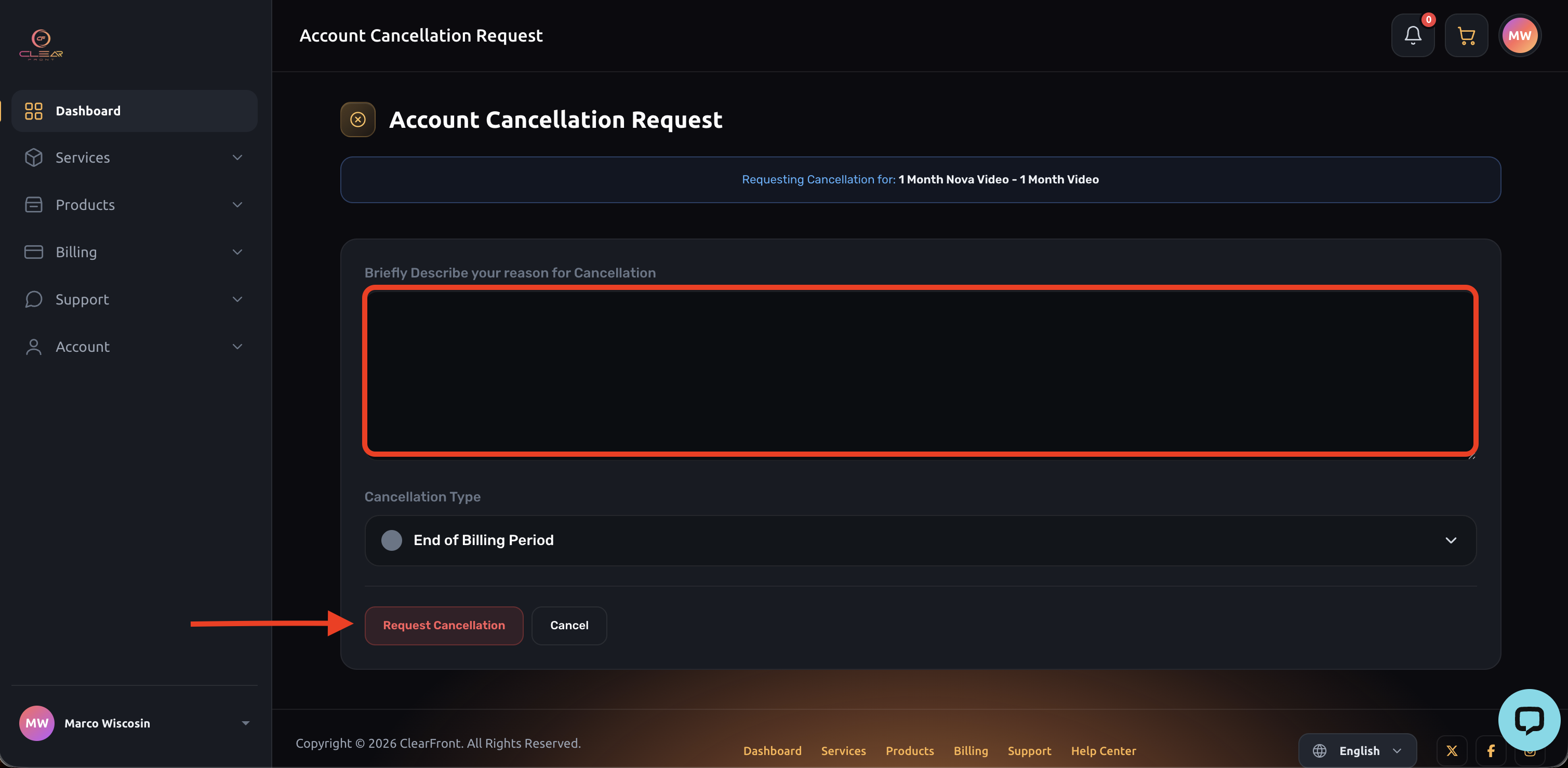
4. Enter a brief Description of then reason you're cancelling then select "Request Cancellation".
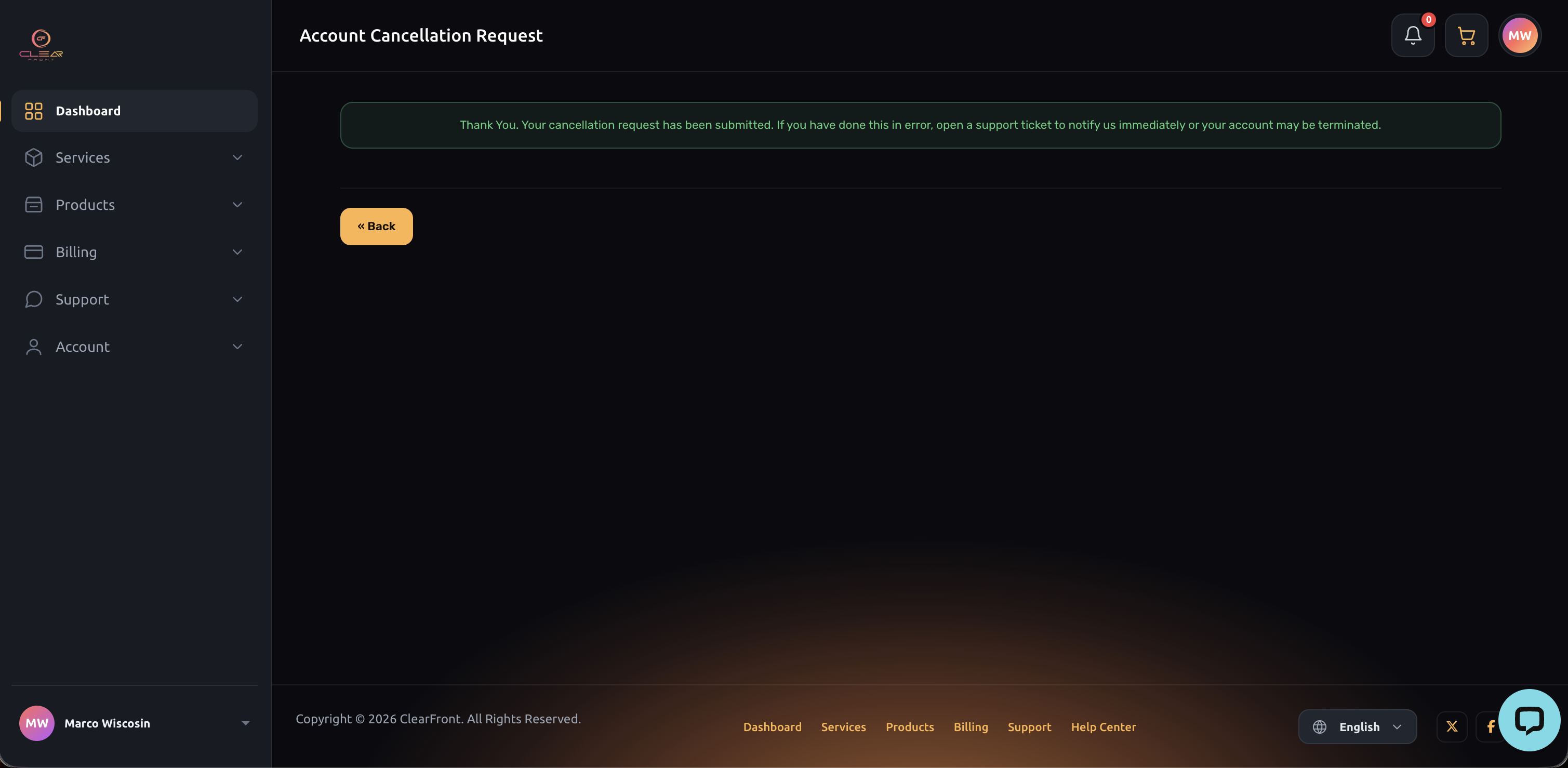
5. A on-screen confirmation of your cancellation confirms all is set, you won't be invoiced or charged once your plan ends.