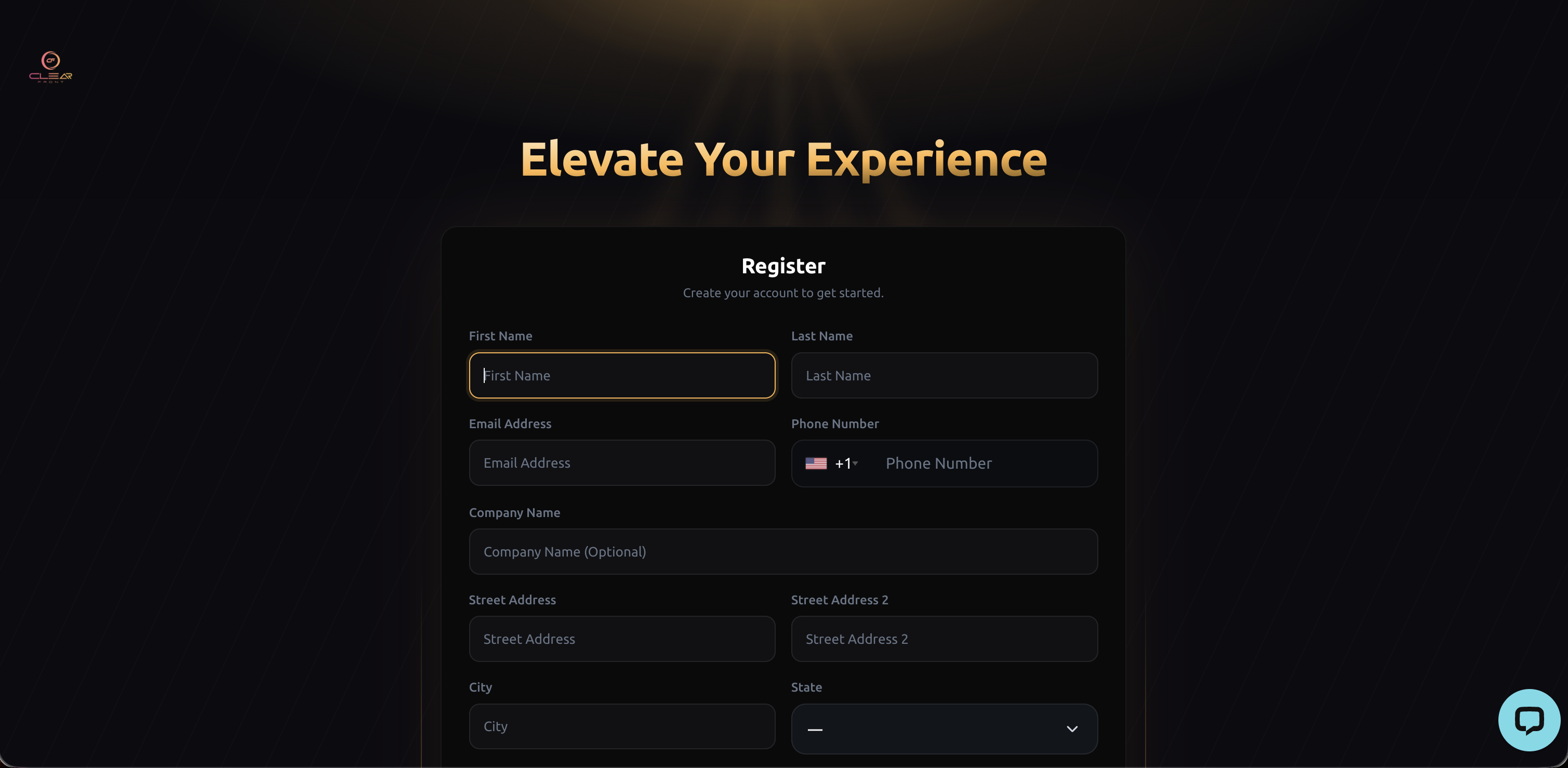
1. Sign up here and enter your details.
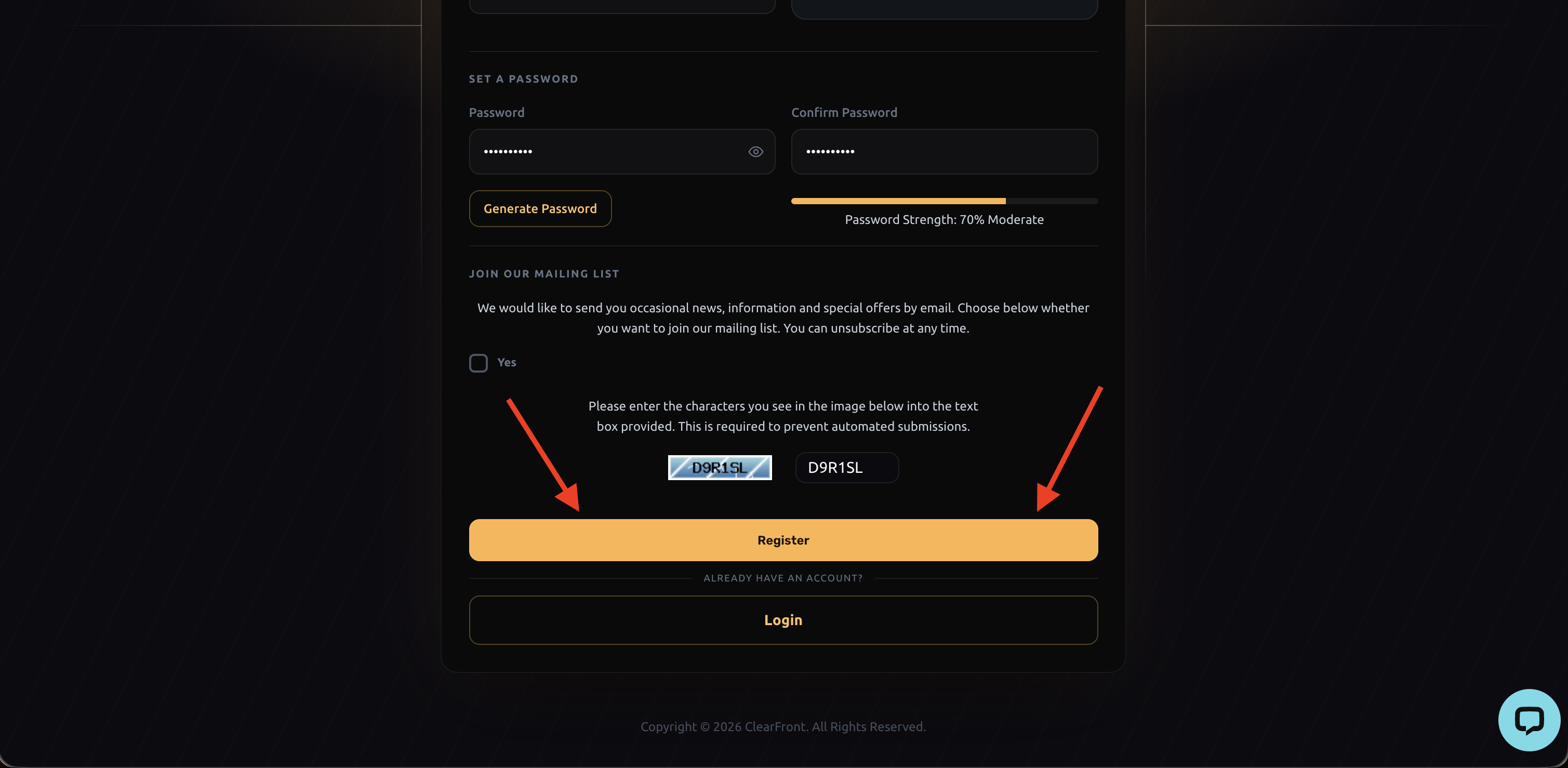
2. Once you've filled out all your details select "Register".
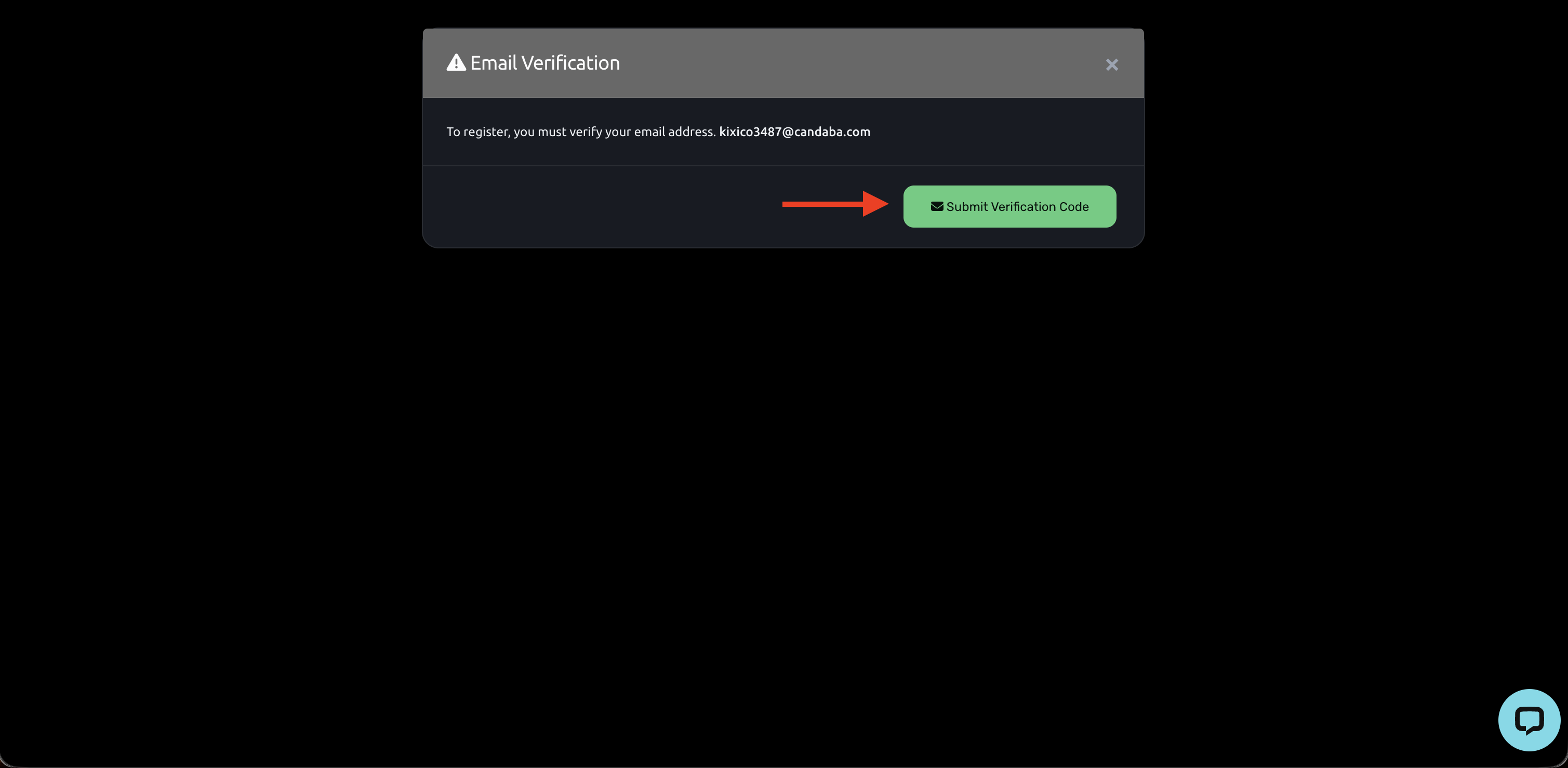
3. Select "Submit Verification Code".
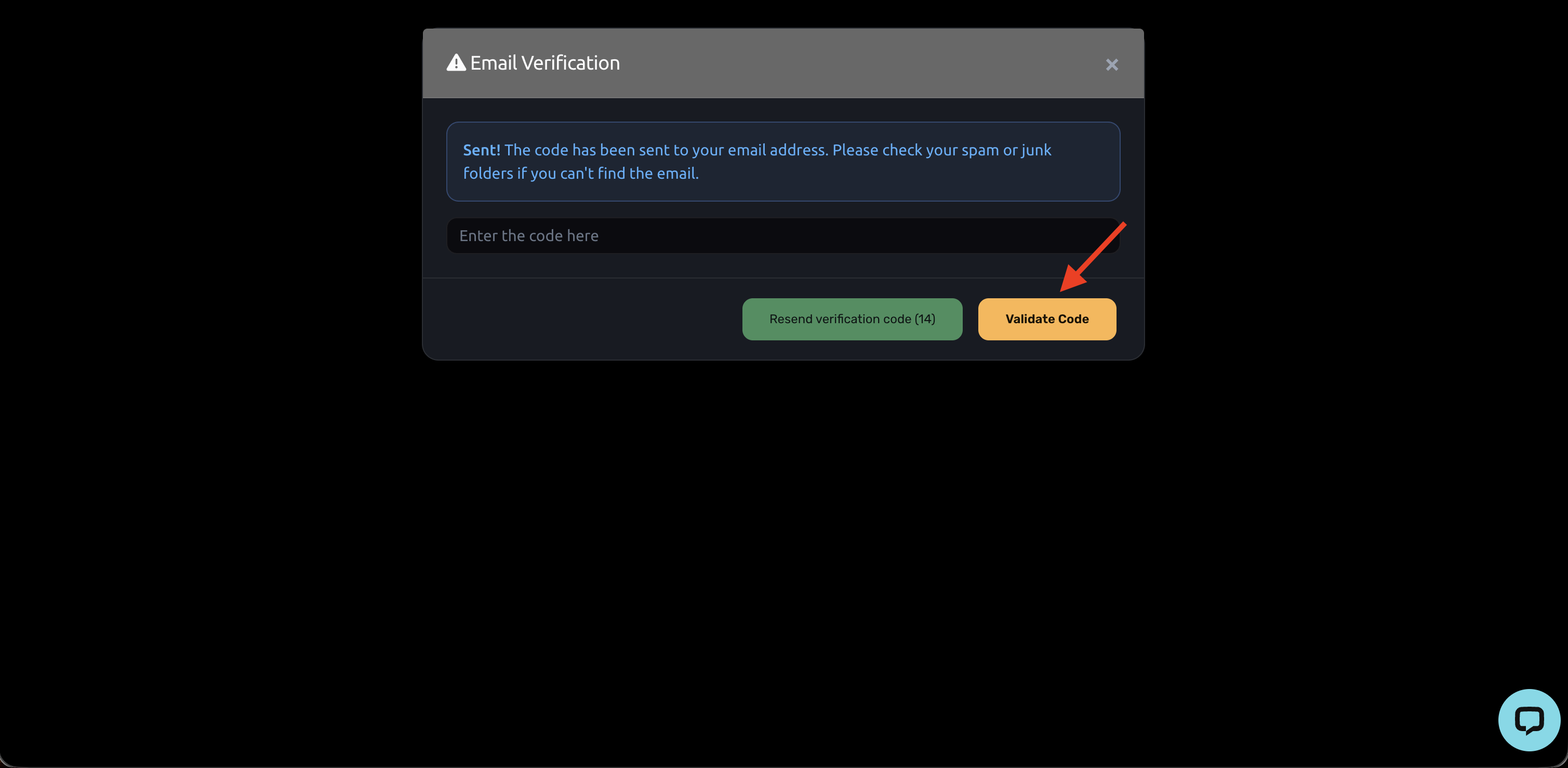
4. Check your email inbox for your account verification code. If you don’t see the link in your inbox, check your spam folder. Enter the code and then select “Validate Code.”
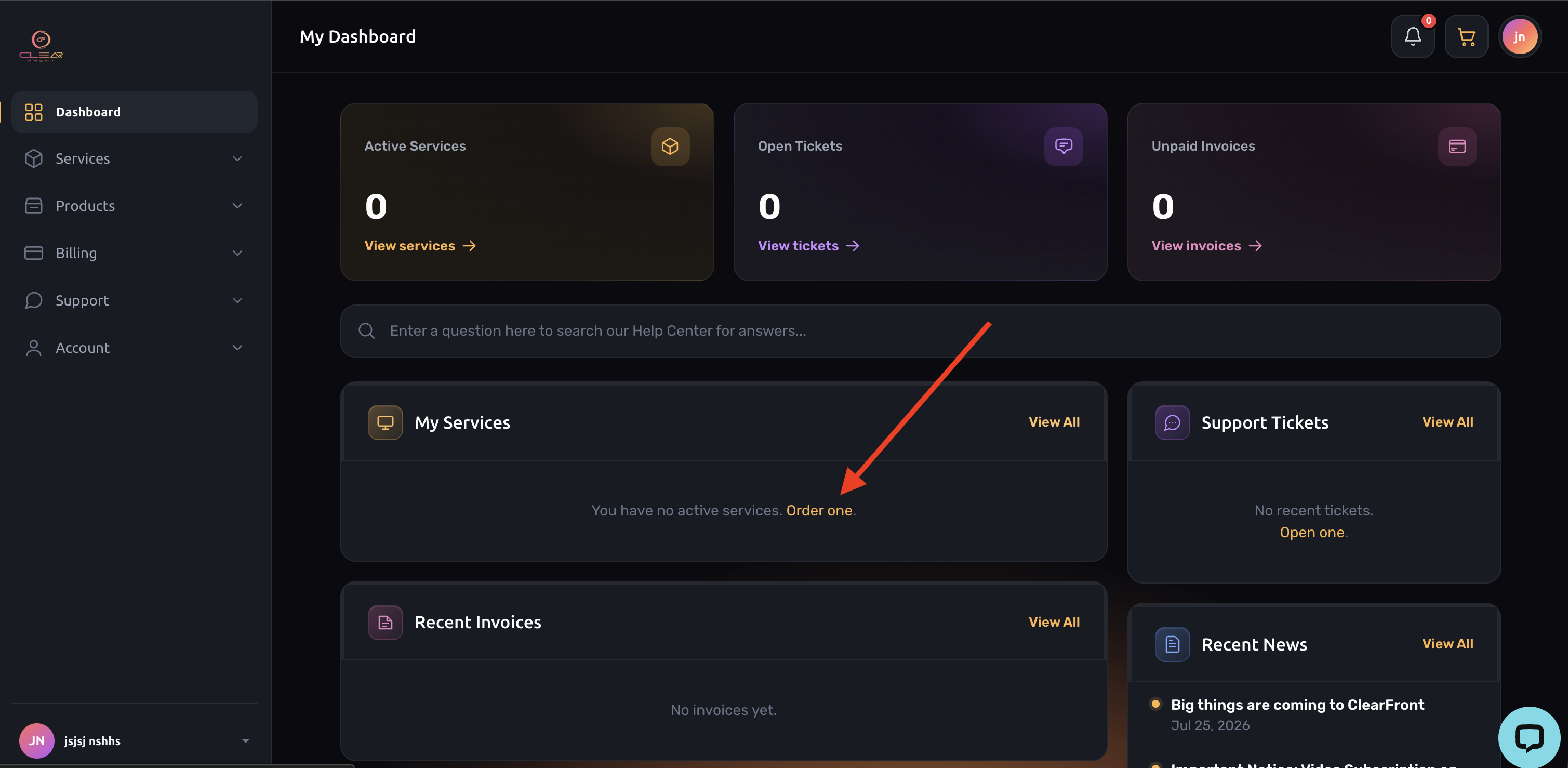
5. Select "Order one"
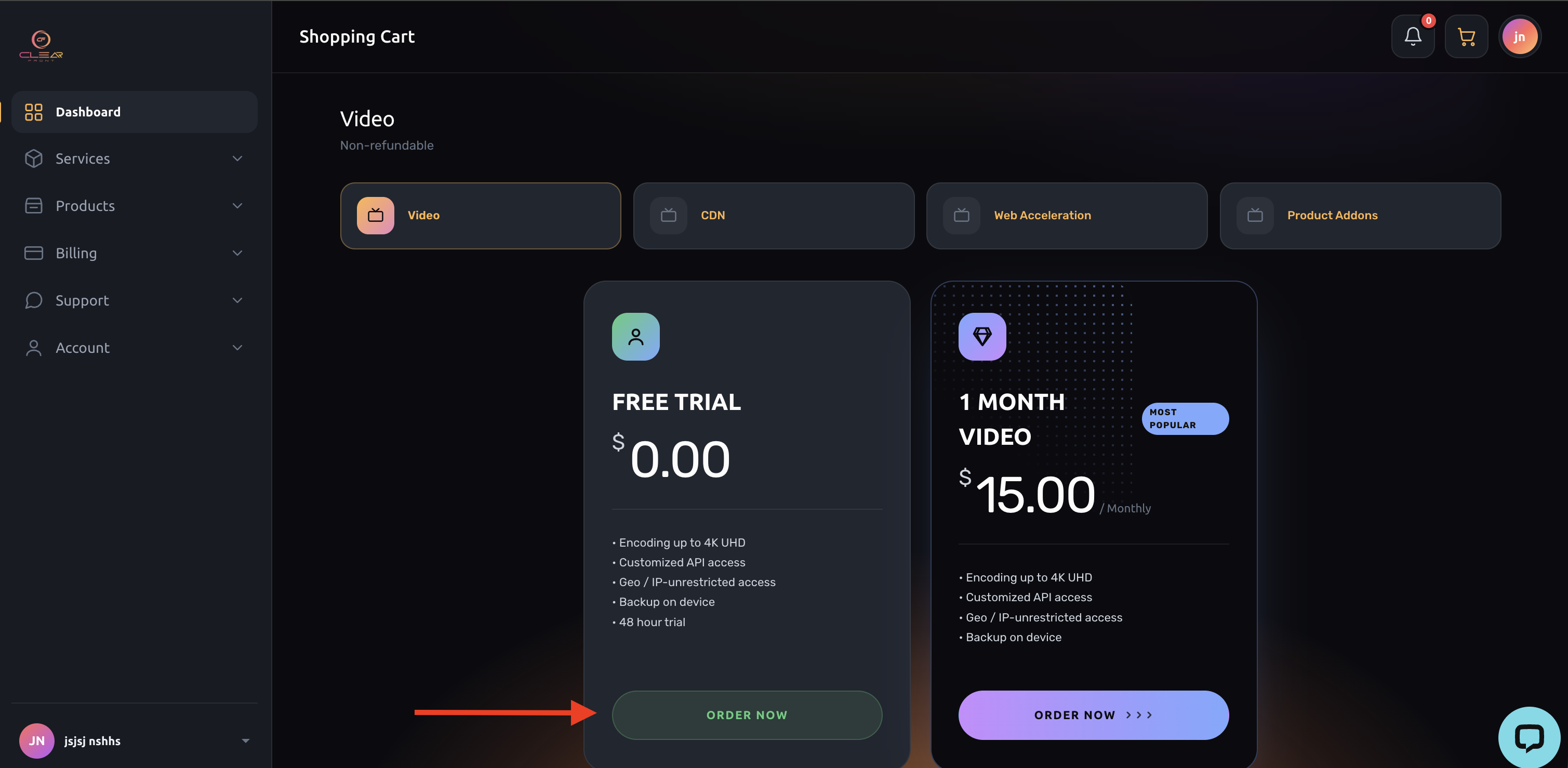
6. Select "ORDER NOW"
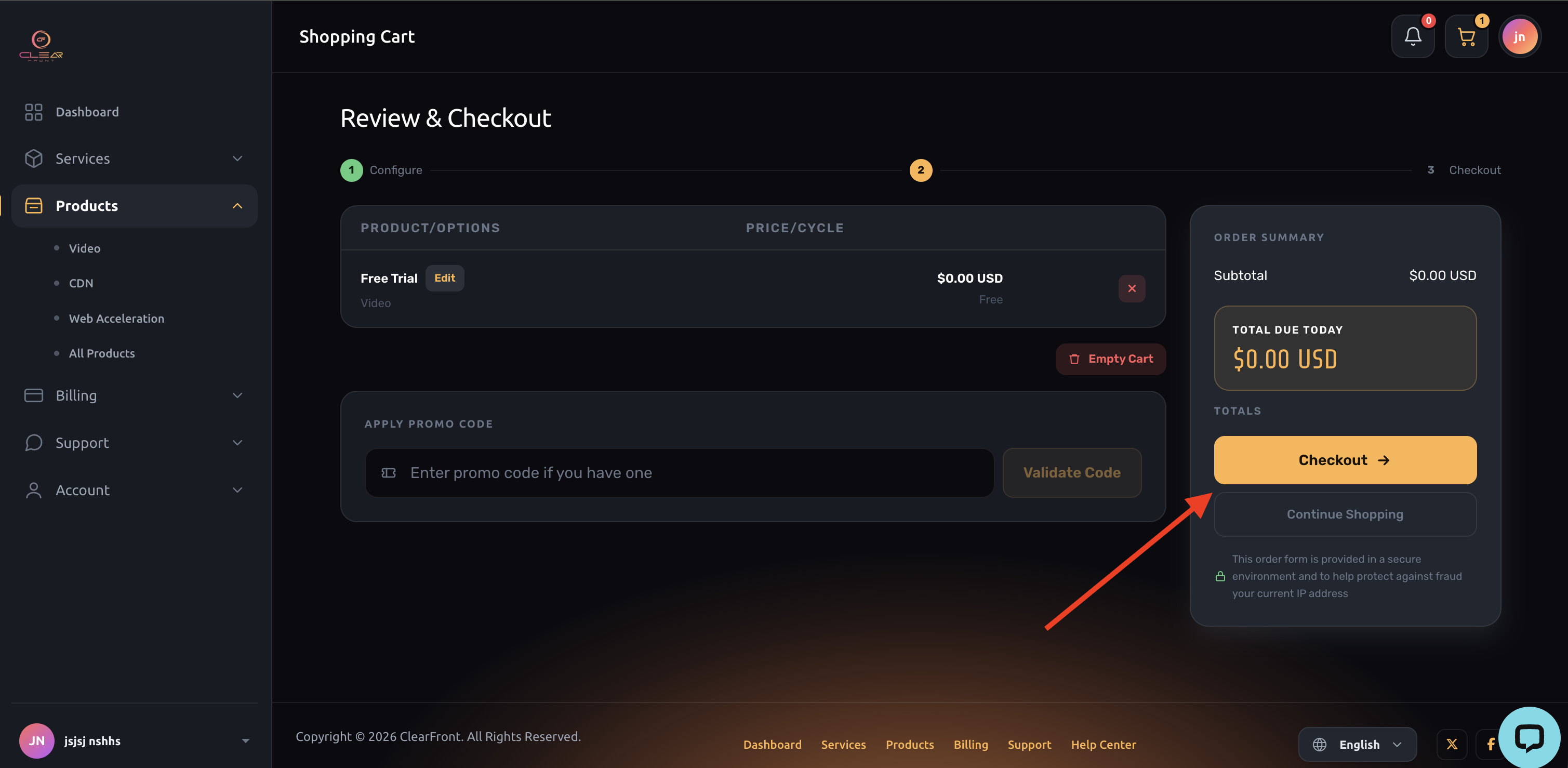
7. Select "Checkout"
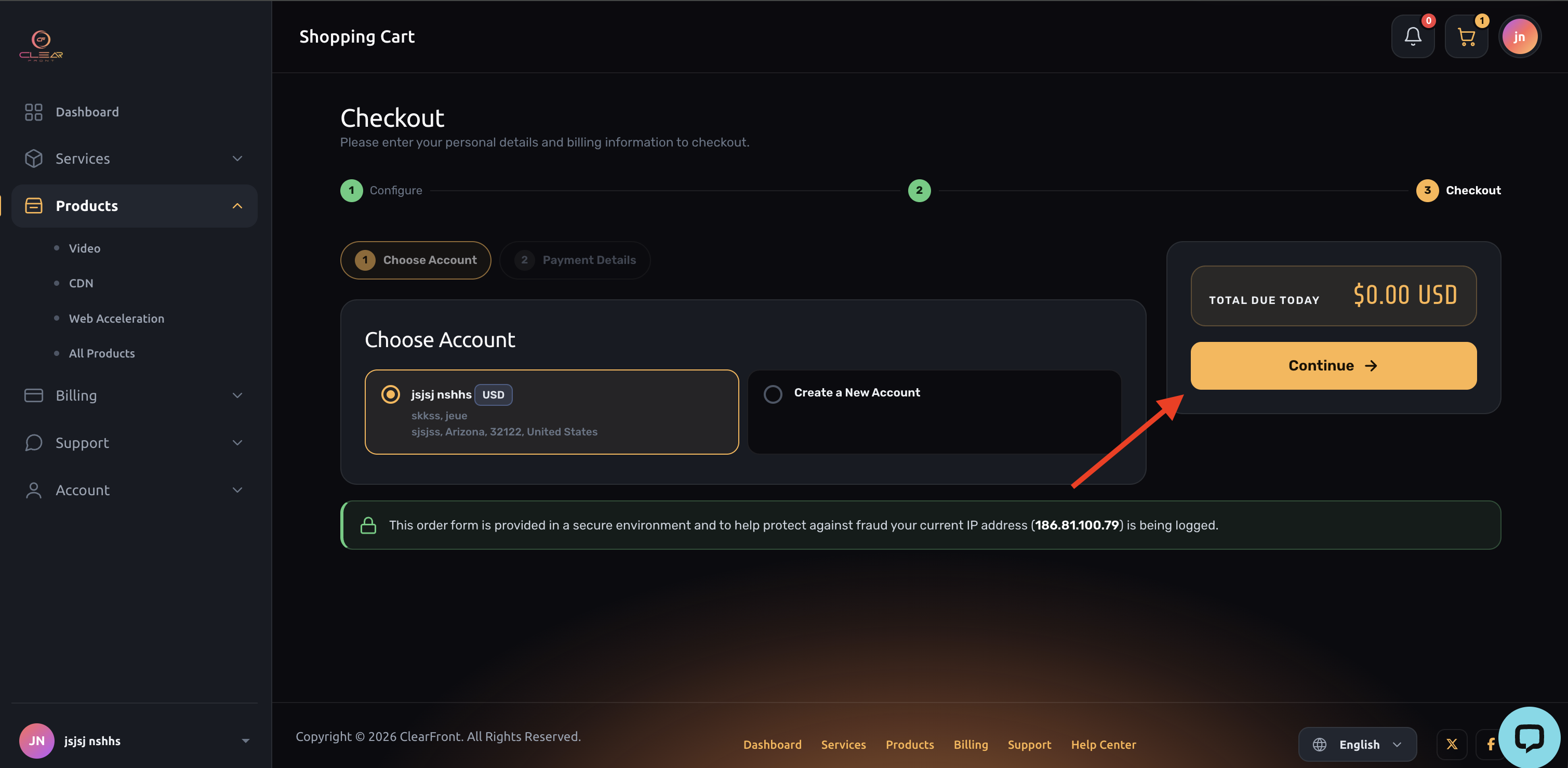
8. Select "Continue"
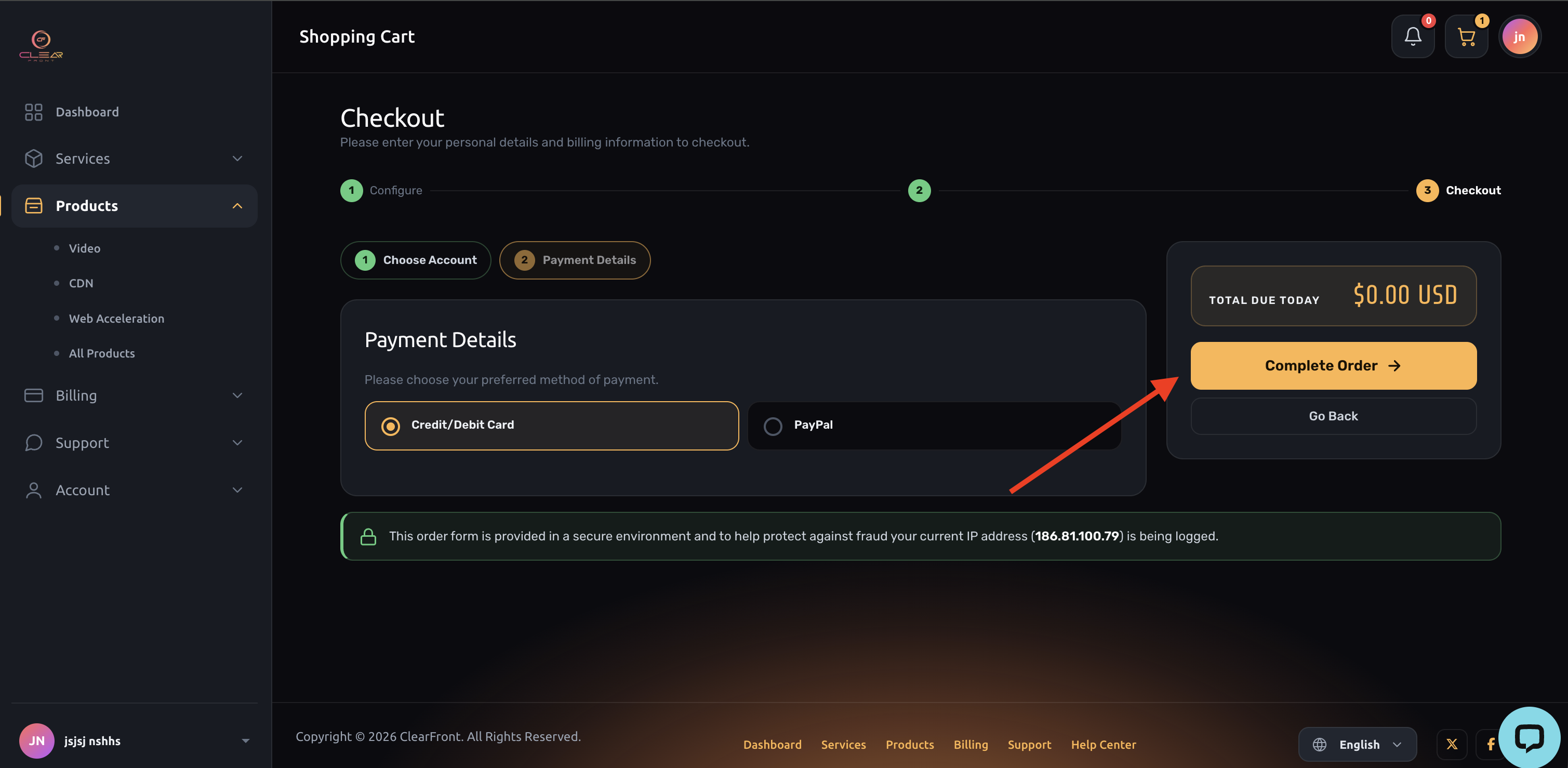
9. Select "Complete Order"
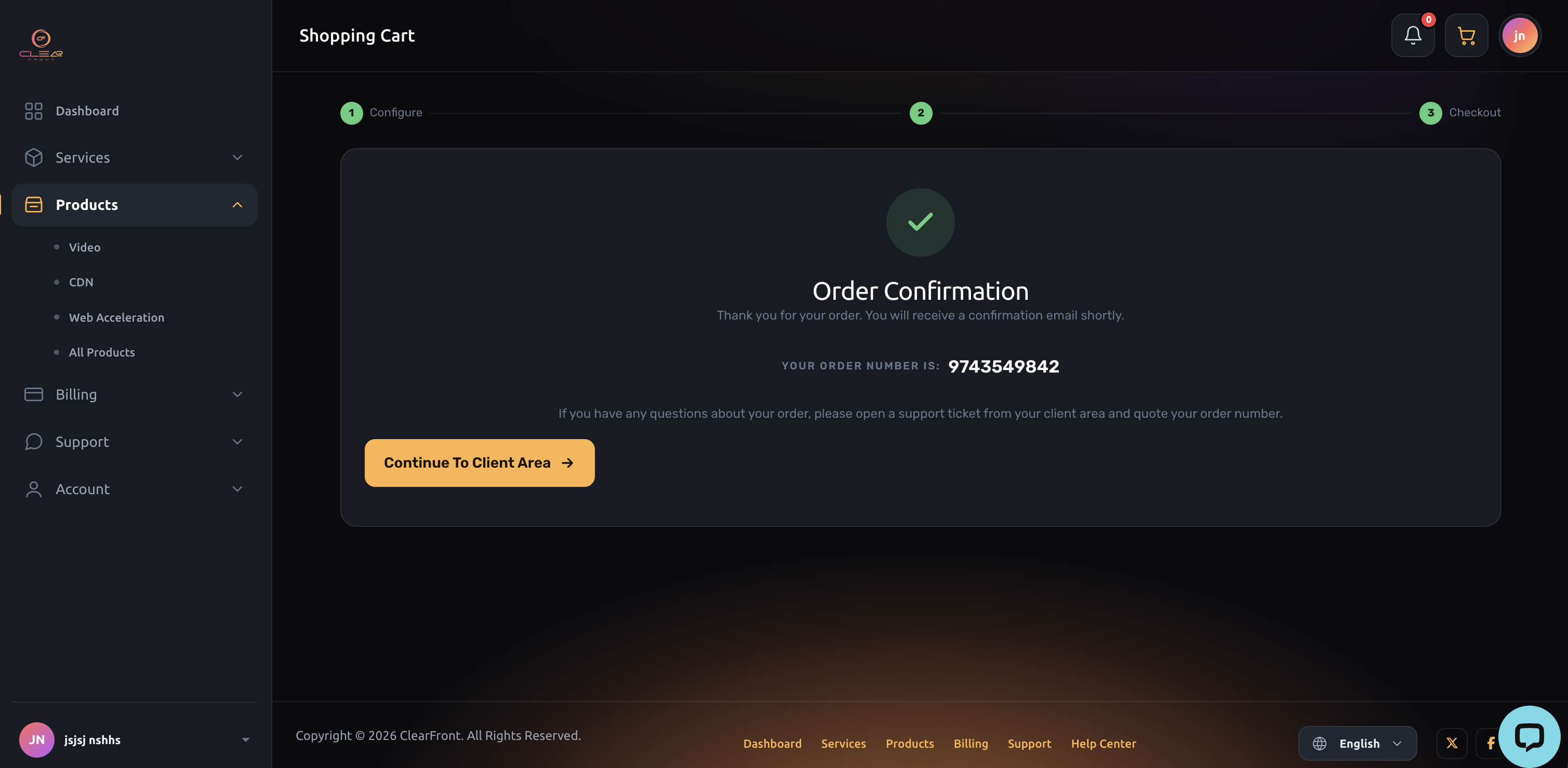
10. You will get an on screen order confirmation message and our system will send your login credentials to your email, along with instructions on how to get our app.