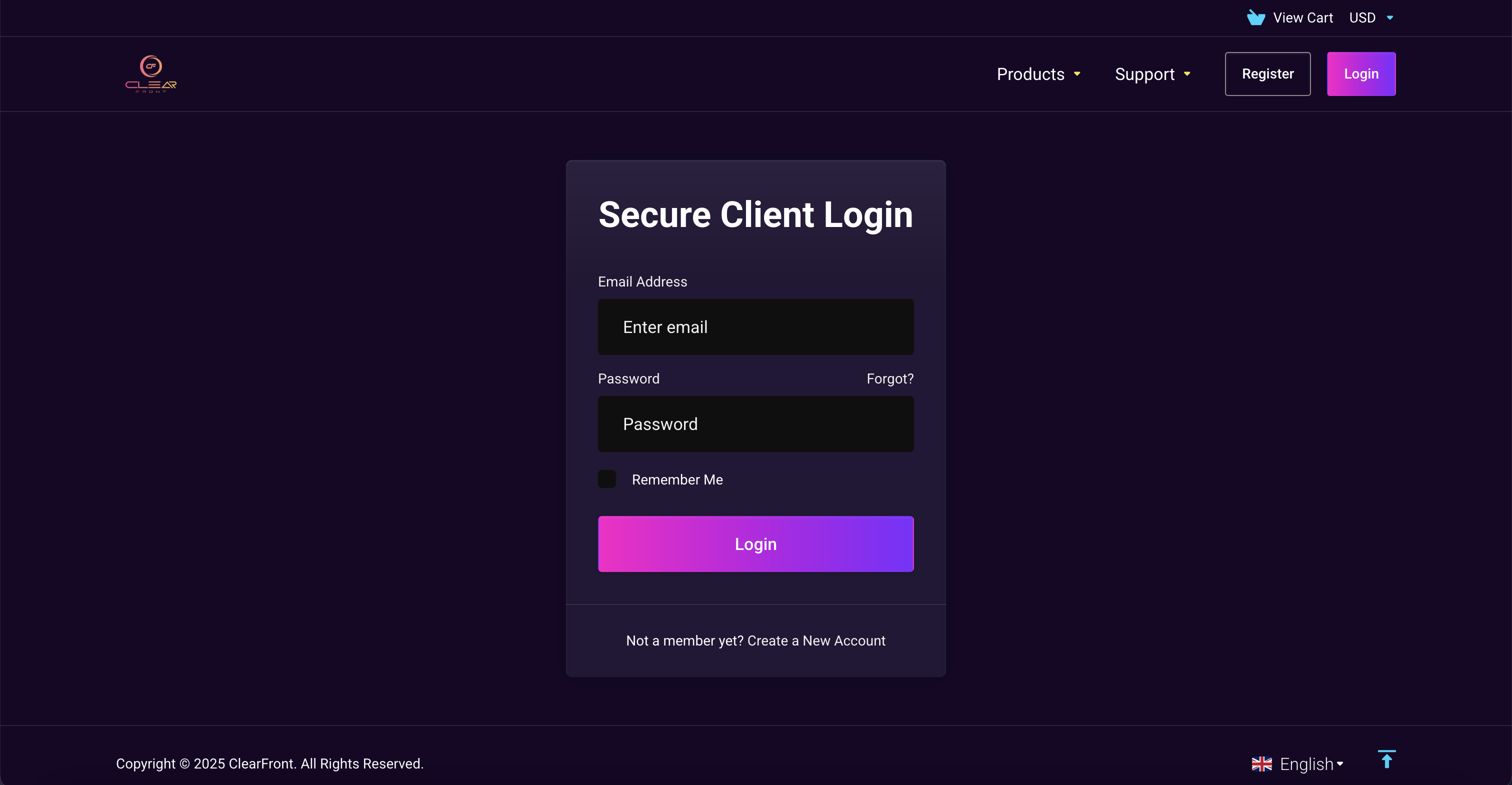
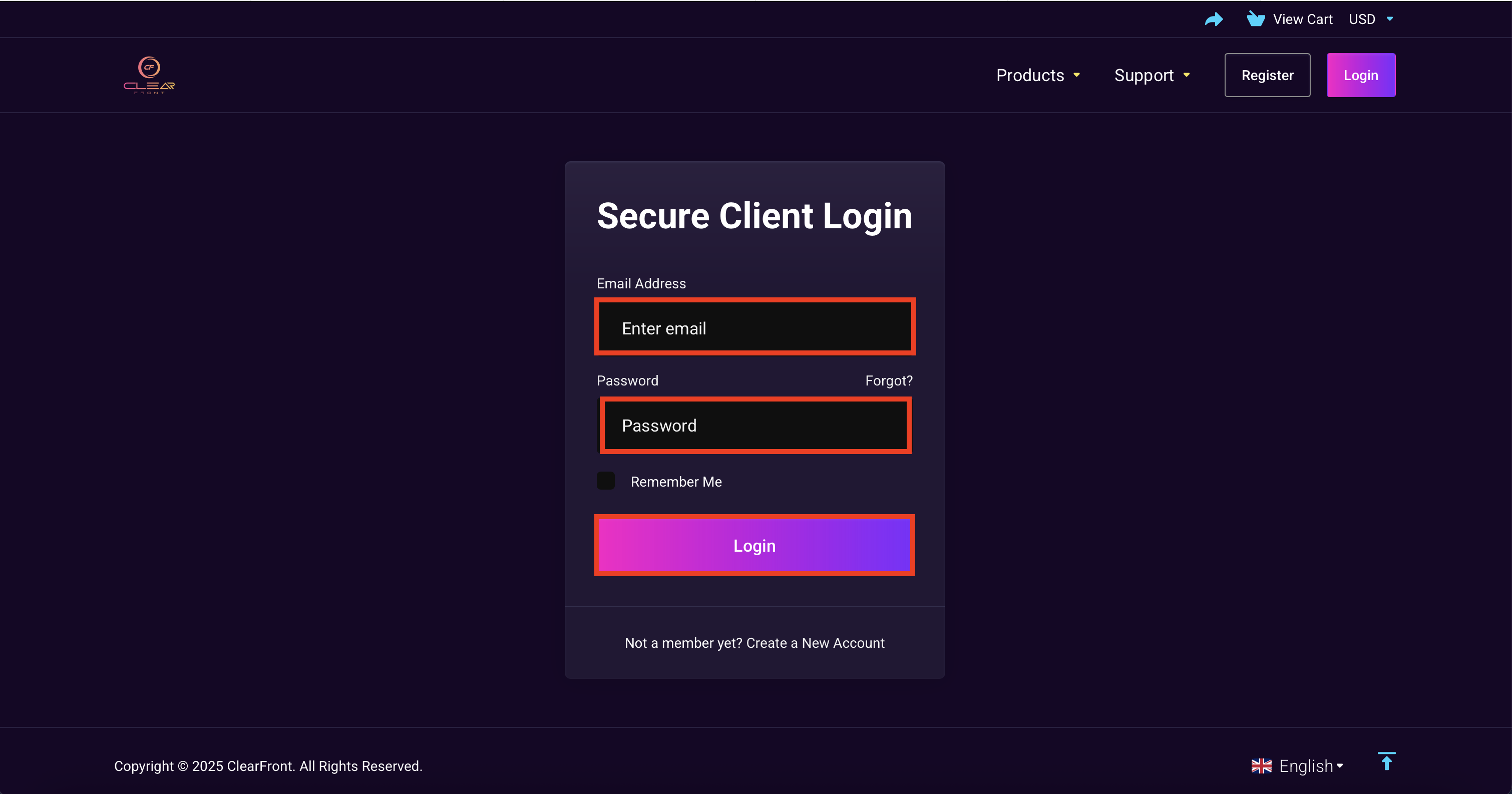
2. Sign in into your account by entering your registered Email & Password.
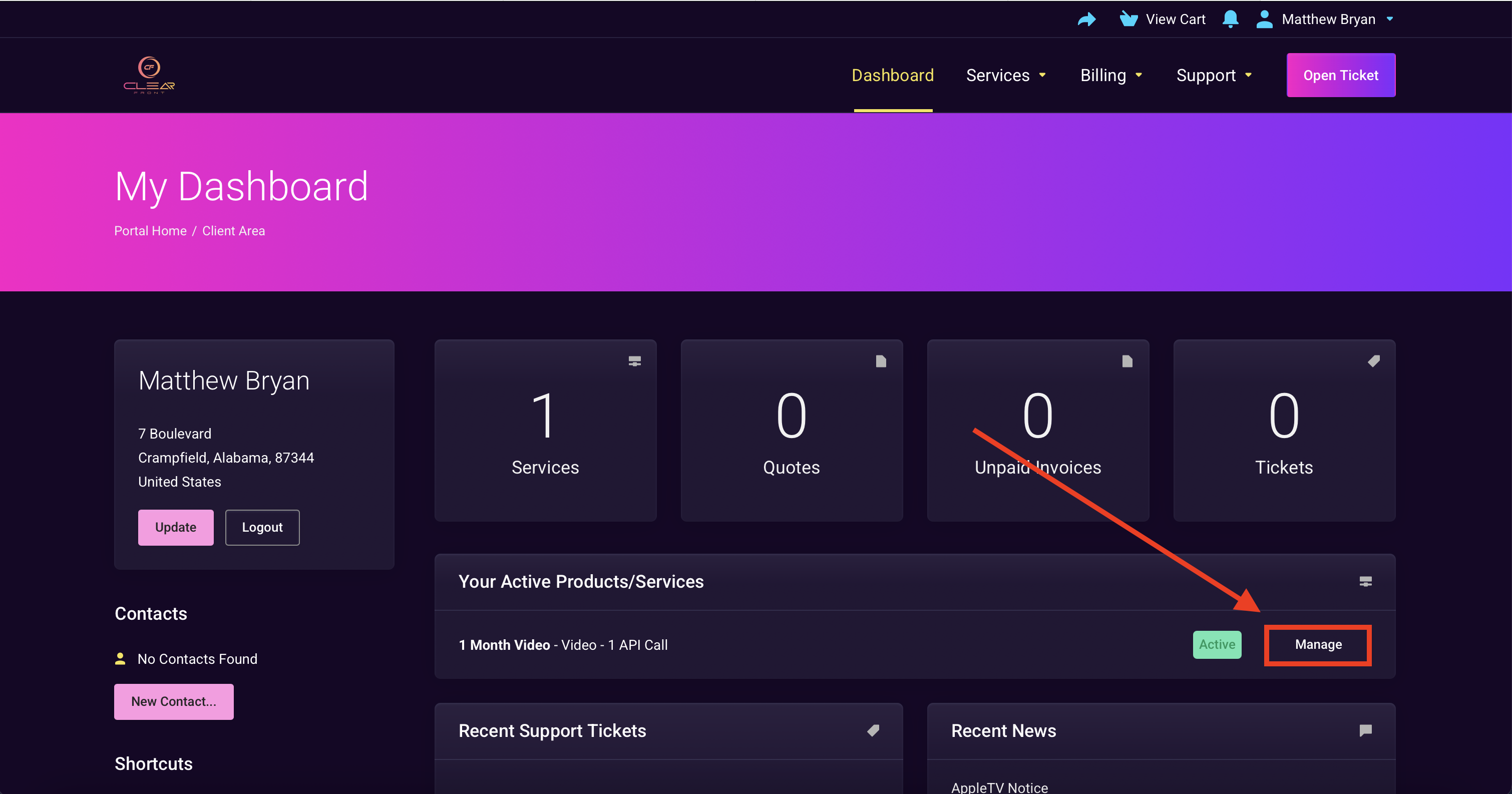
3. Select "Manage"
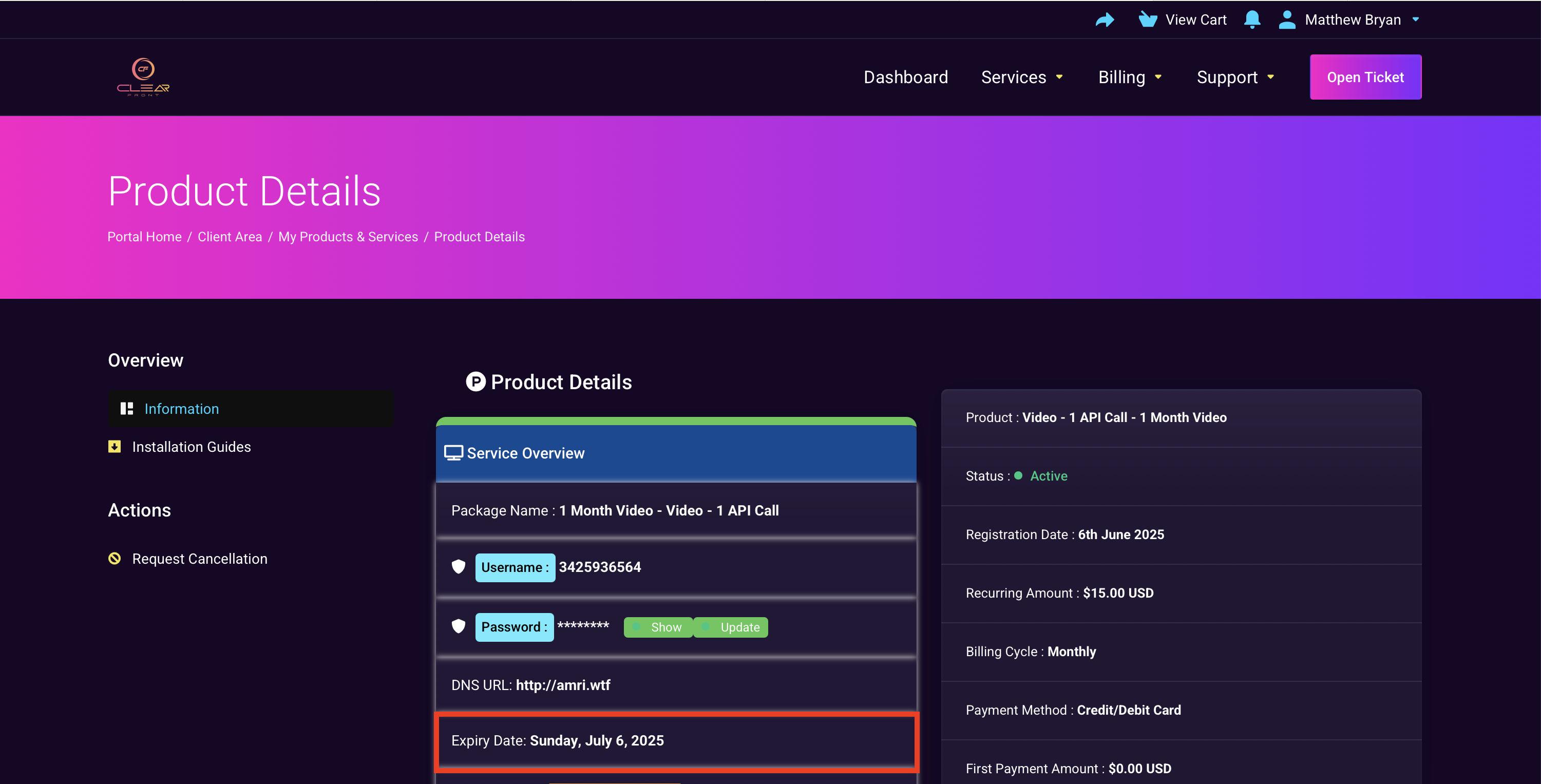
4. You should see your plan expiration date.

2. Sign in into your account by entering your registered Email & Password.
3. Select "Manage"
4. You should see your plan expiration date.
If the invoice is not paid, both the invoice and your subscription will be cancelled. You will...
Our system is not setup for recurring payments, so you will never be charged by ClearFront...
Yes. You will receive an invoice via your registered email address 7 days before your...
Important: These instructions apply only to users with an active invoice who intend to pay before...
If your invoice is overdue, it has likely been cancelled along with your previous subscription....