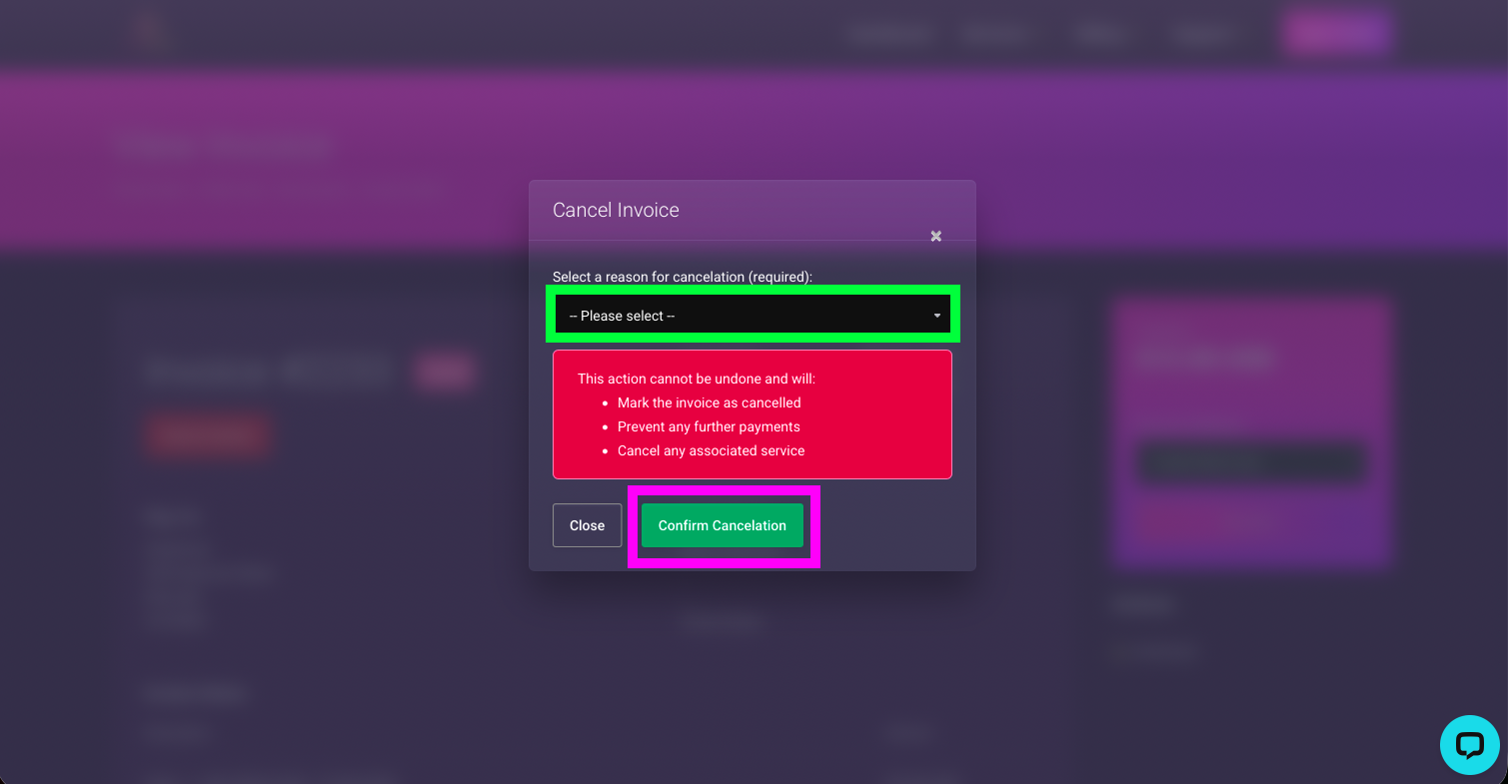
Cancelling an invoice on ClearFront is very easy.
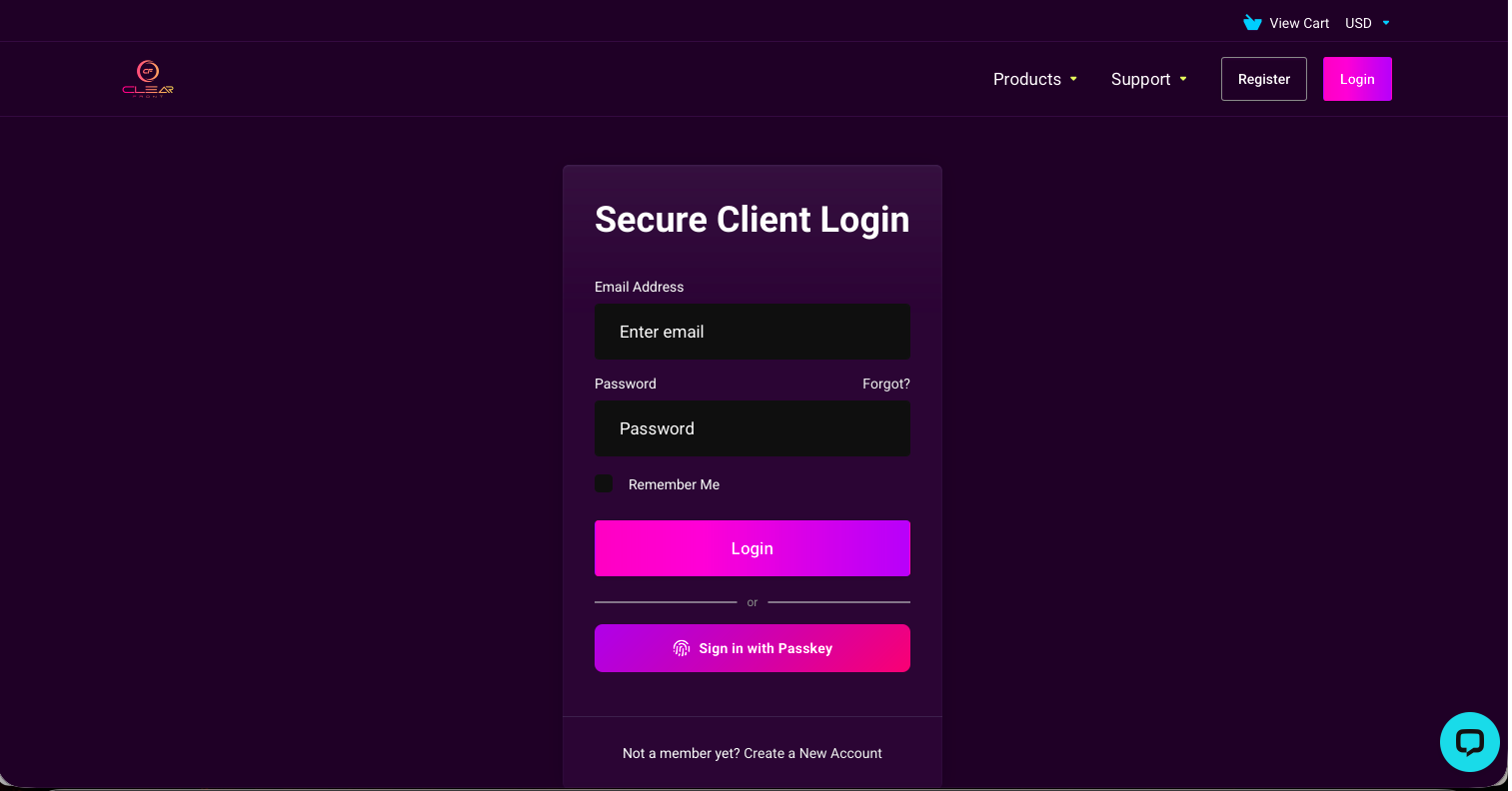
- Sign-in into your ClearFront account using your Username and Password or with your Passkey if you have one registered.
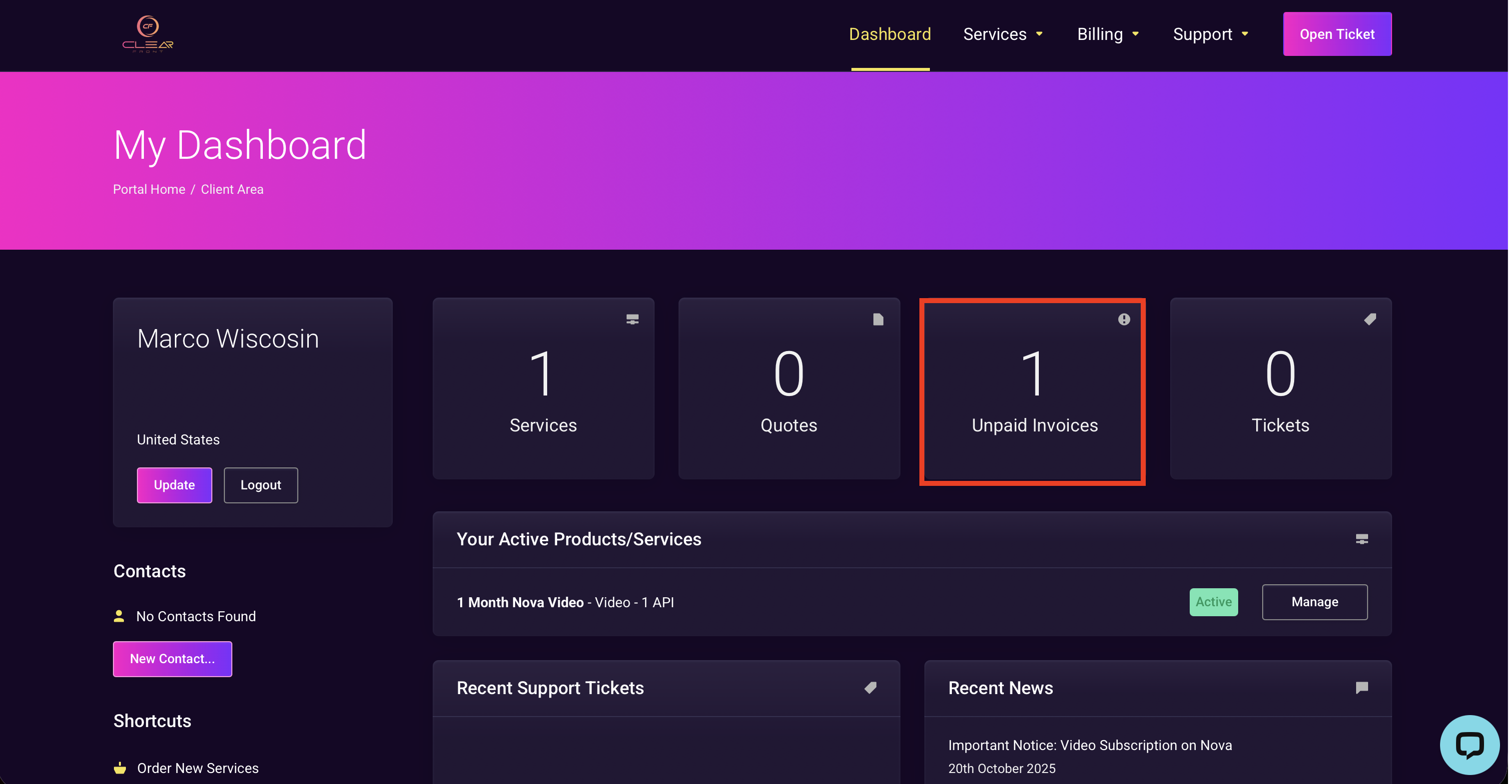
2. Select "Unpaid Invoices".
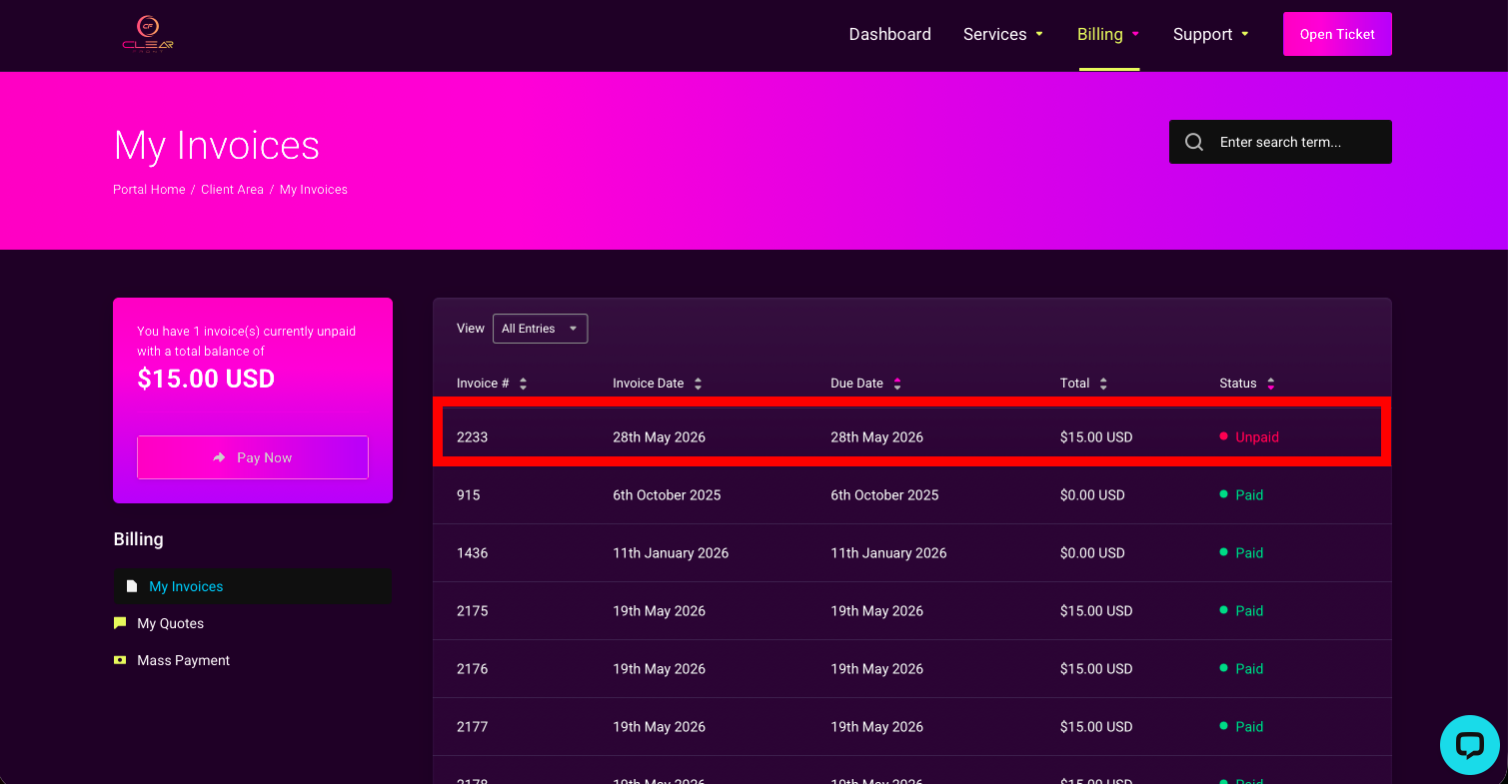
3. Select the invoice you want to cancel.
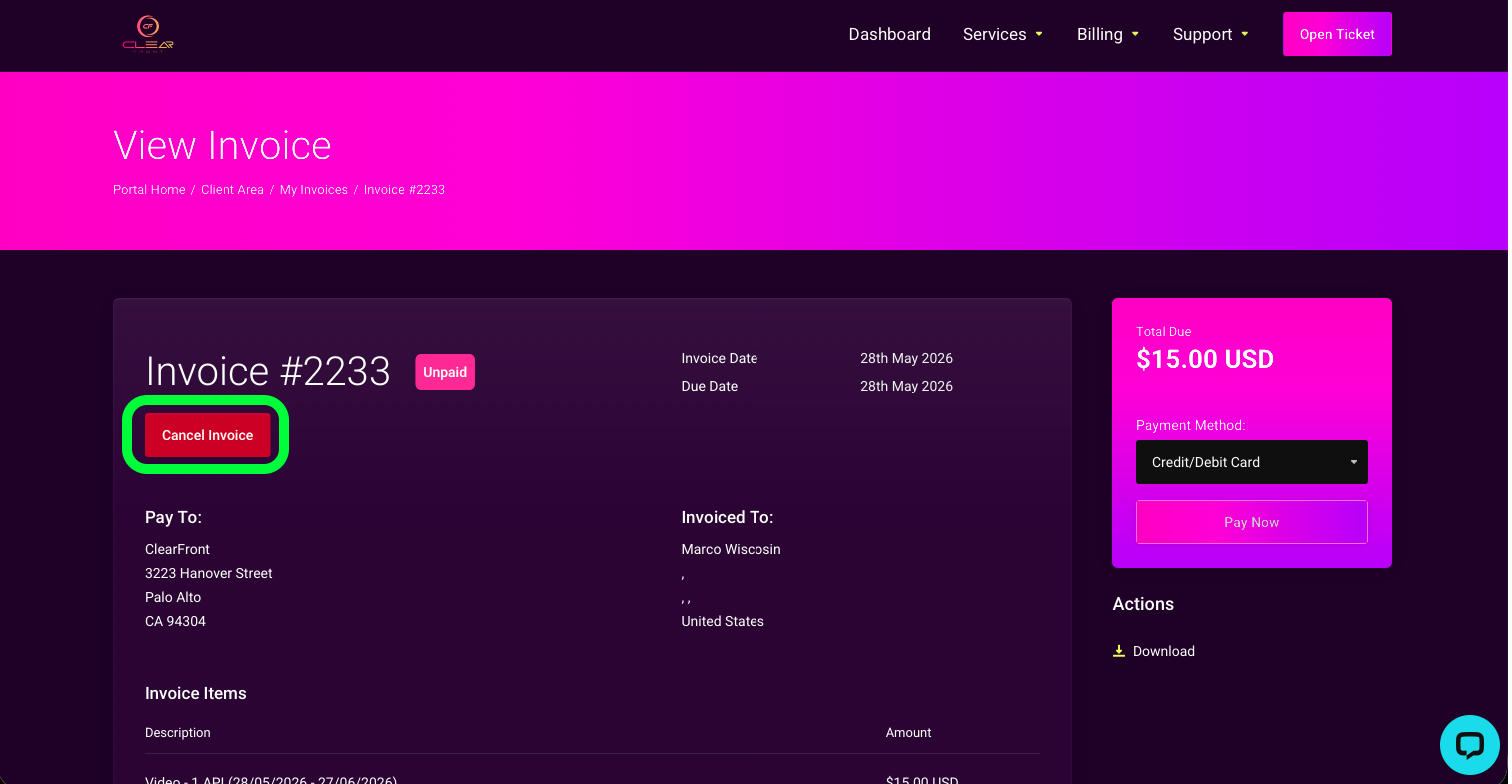
4. Select "Cancel Invoice".
5. Select a reason for cancellation then select "Confirm Cancelation".