Important: These instructions apply only to users with an active invoice who intend to pay before the due date. if your invoice is overdue click here.
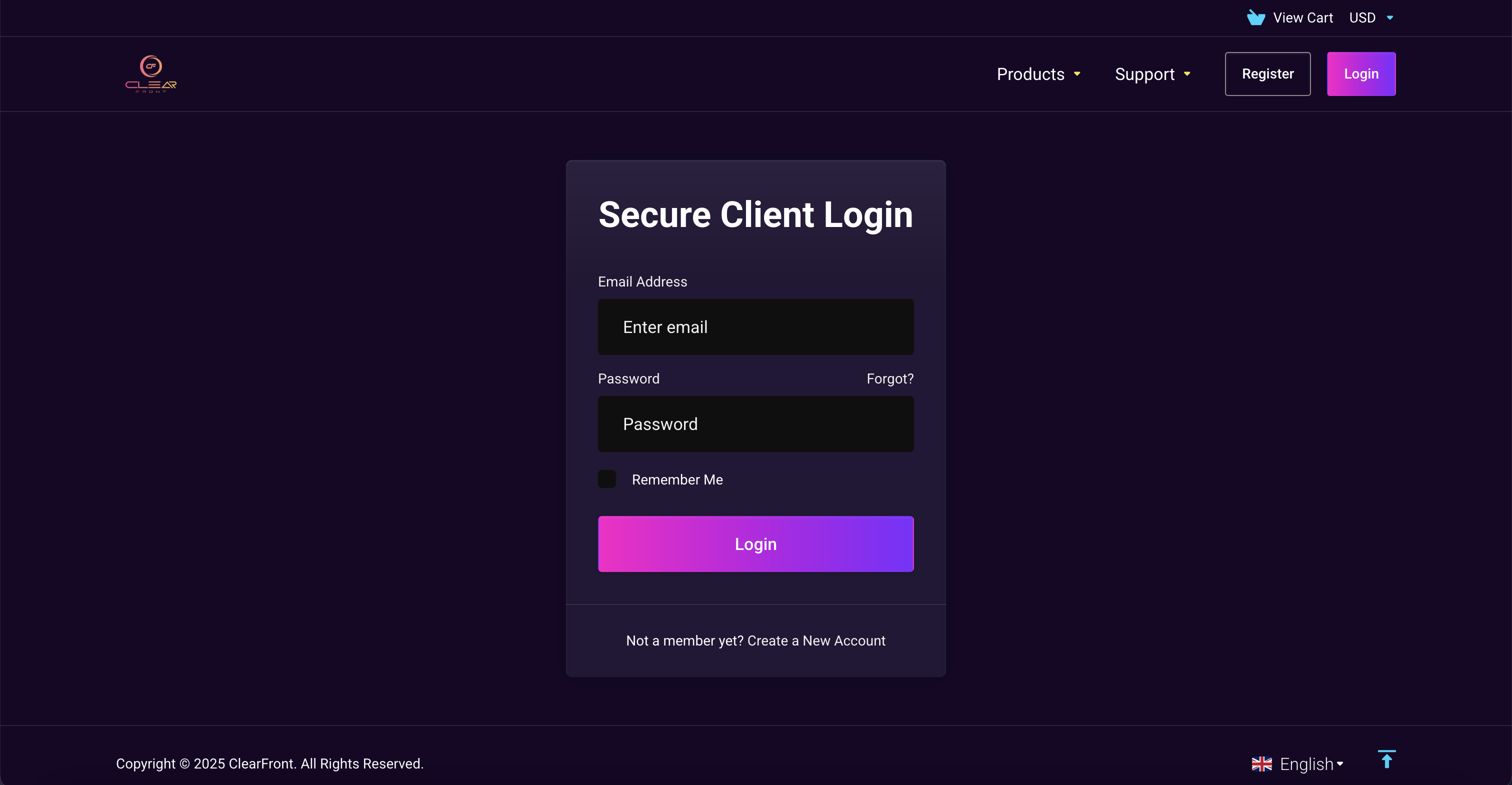
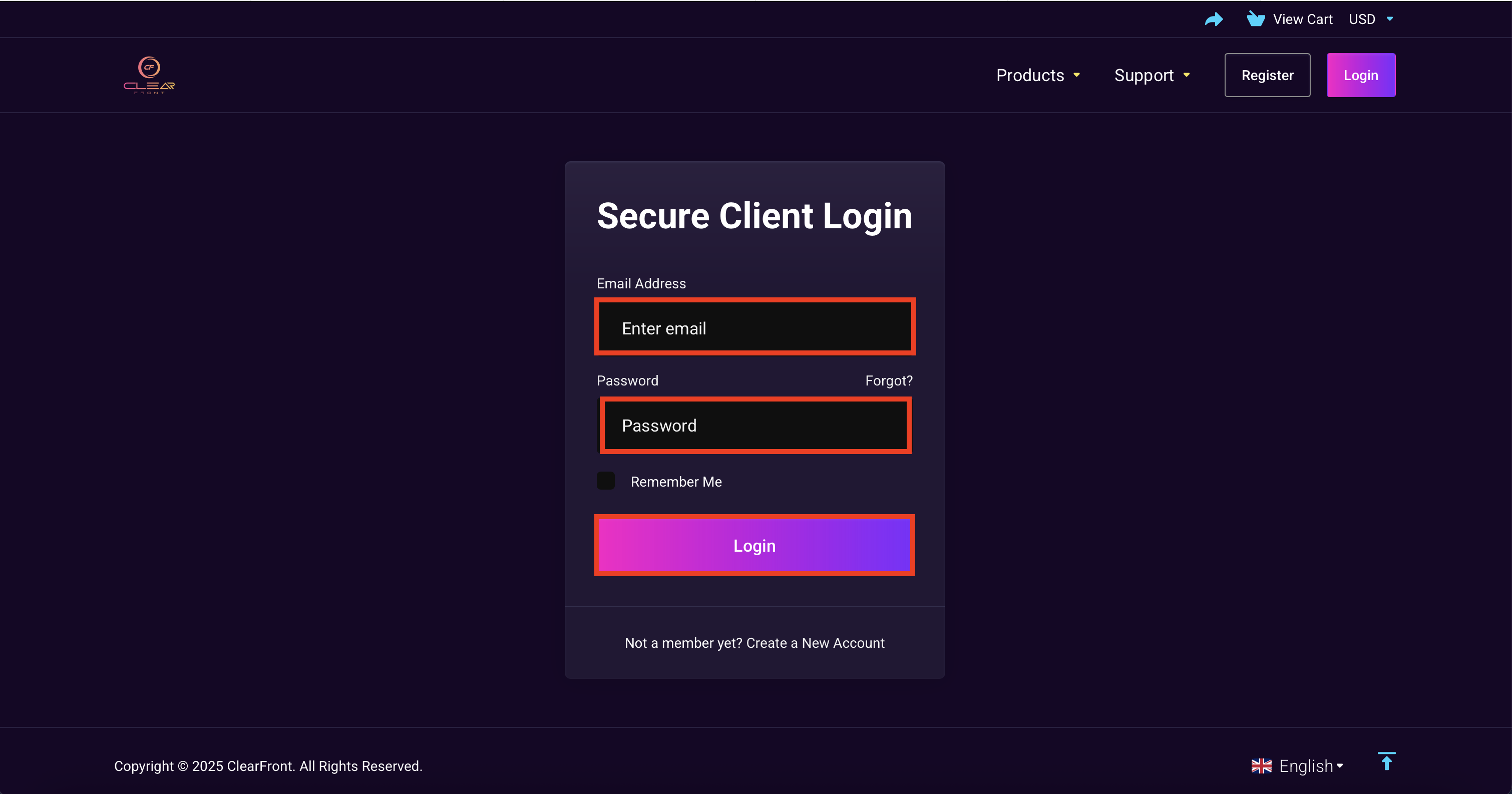
2. Sign in into your account by entering your registered Email & Password.
3. Select "Billing" and pay for the system generated your invoice. If you don't see any valid invoices you will need to order a new plan and your login details will change
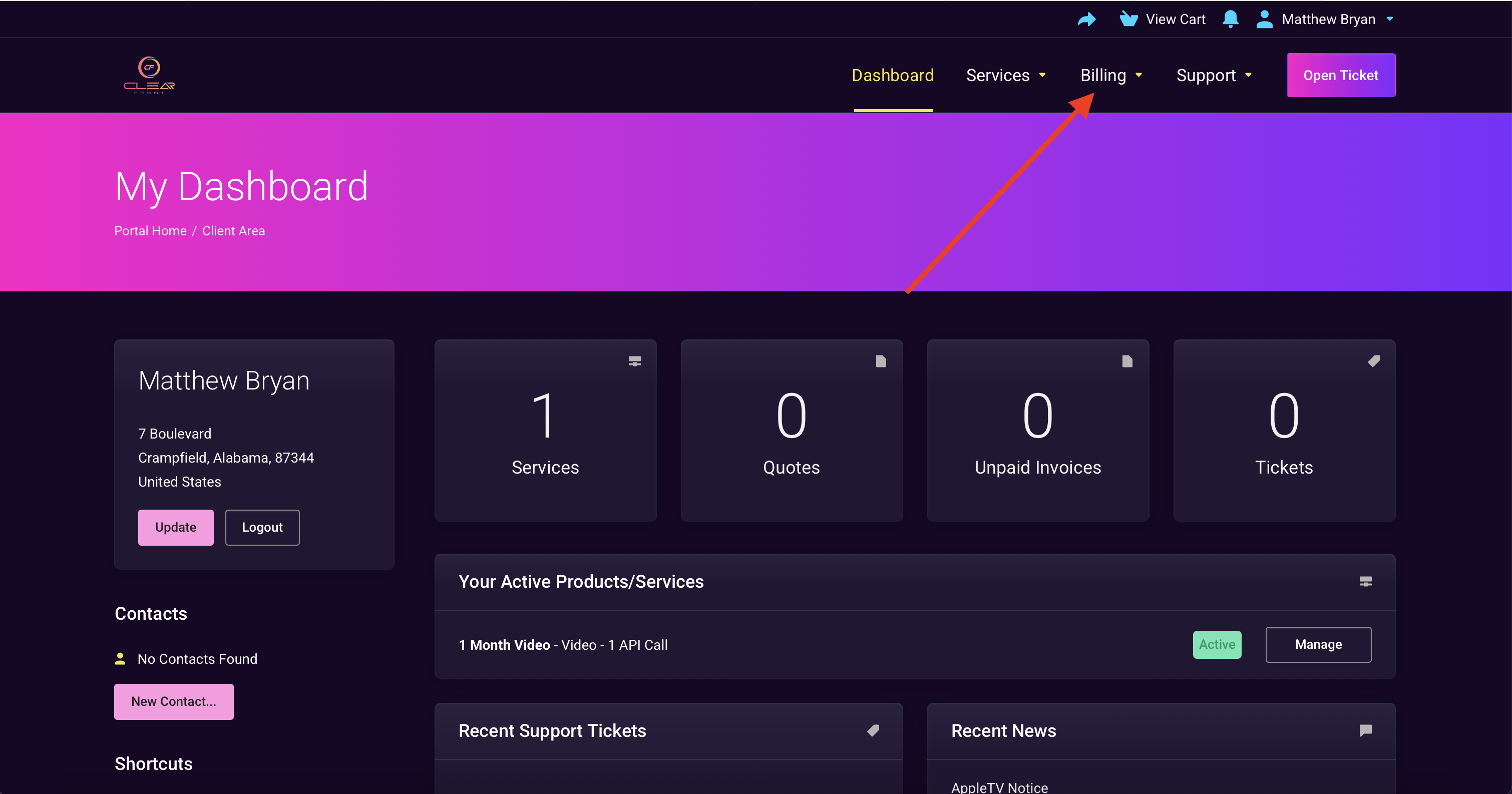
4. You should see the system generated invoice.