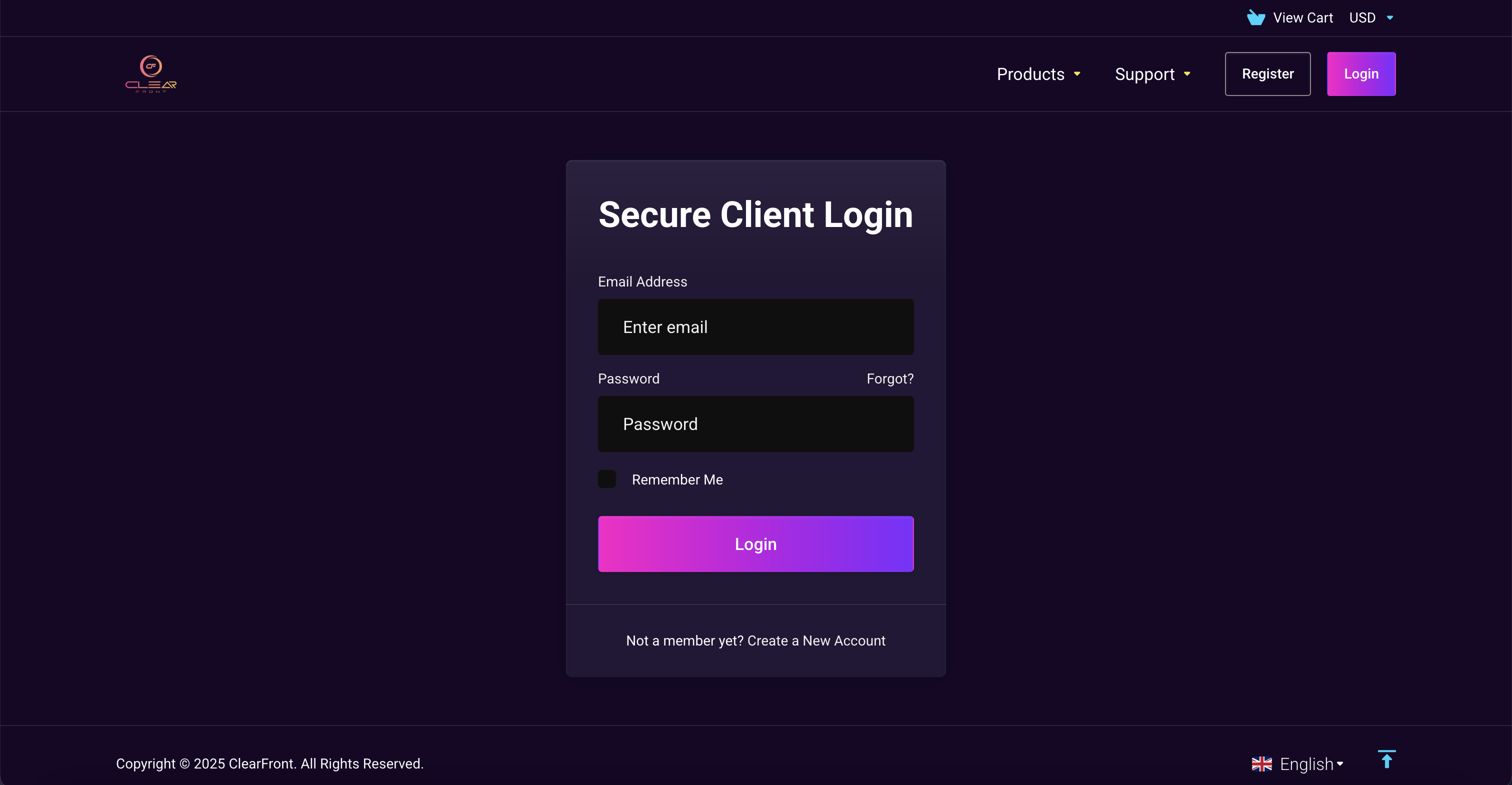
2. Sign in into your account by entering your registered Email & Password.
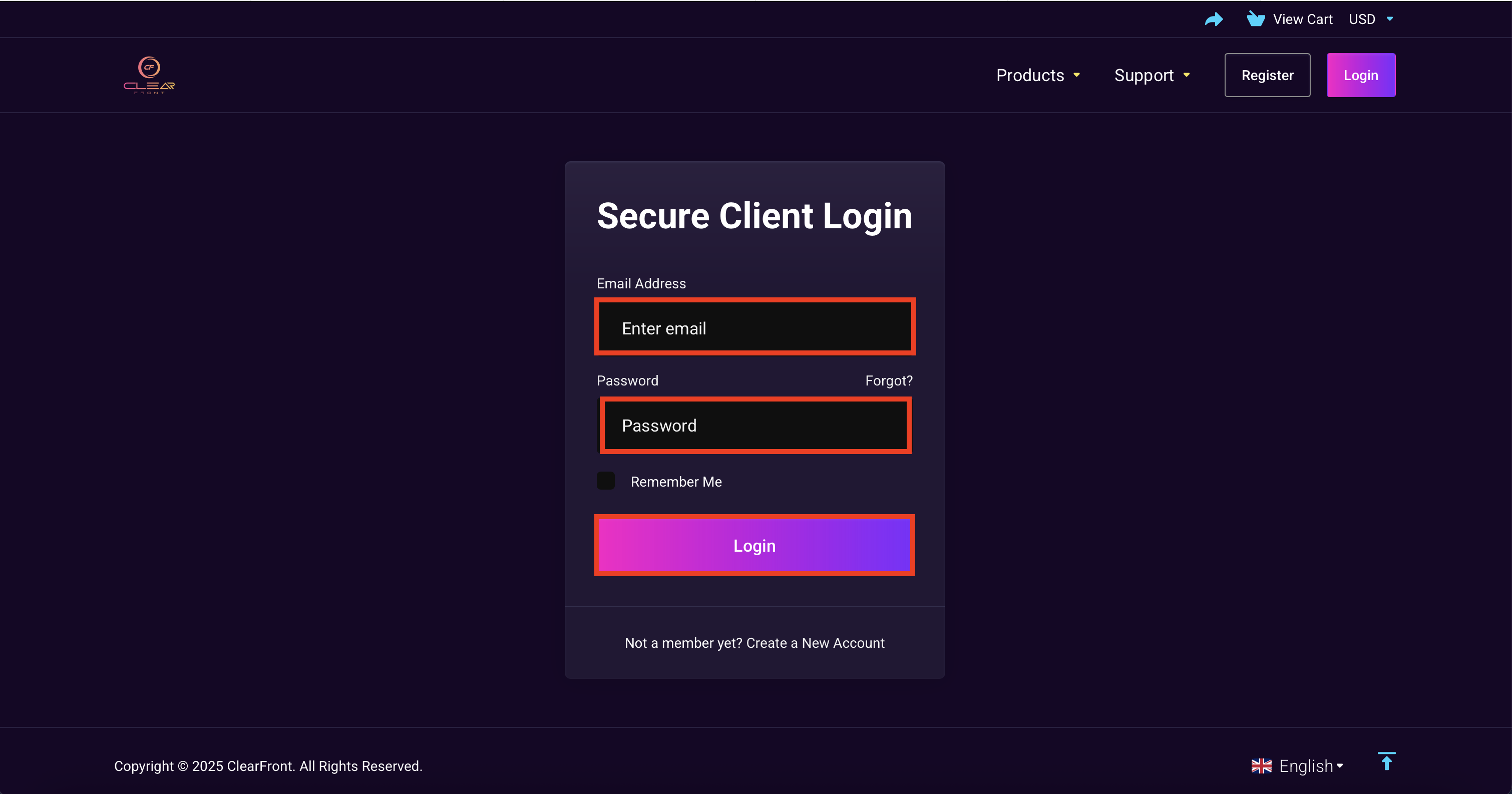
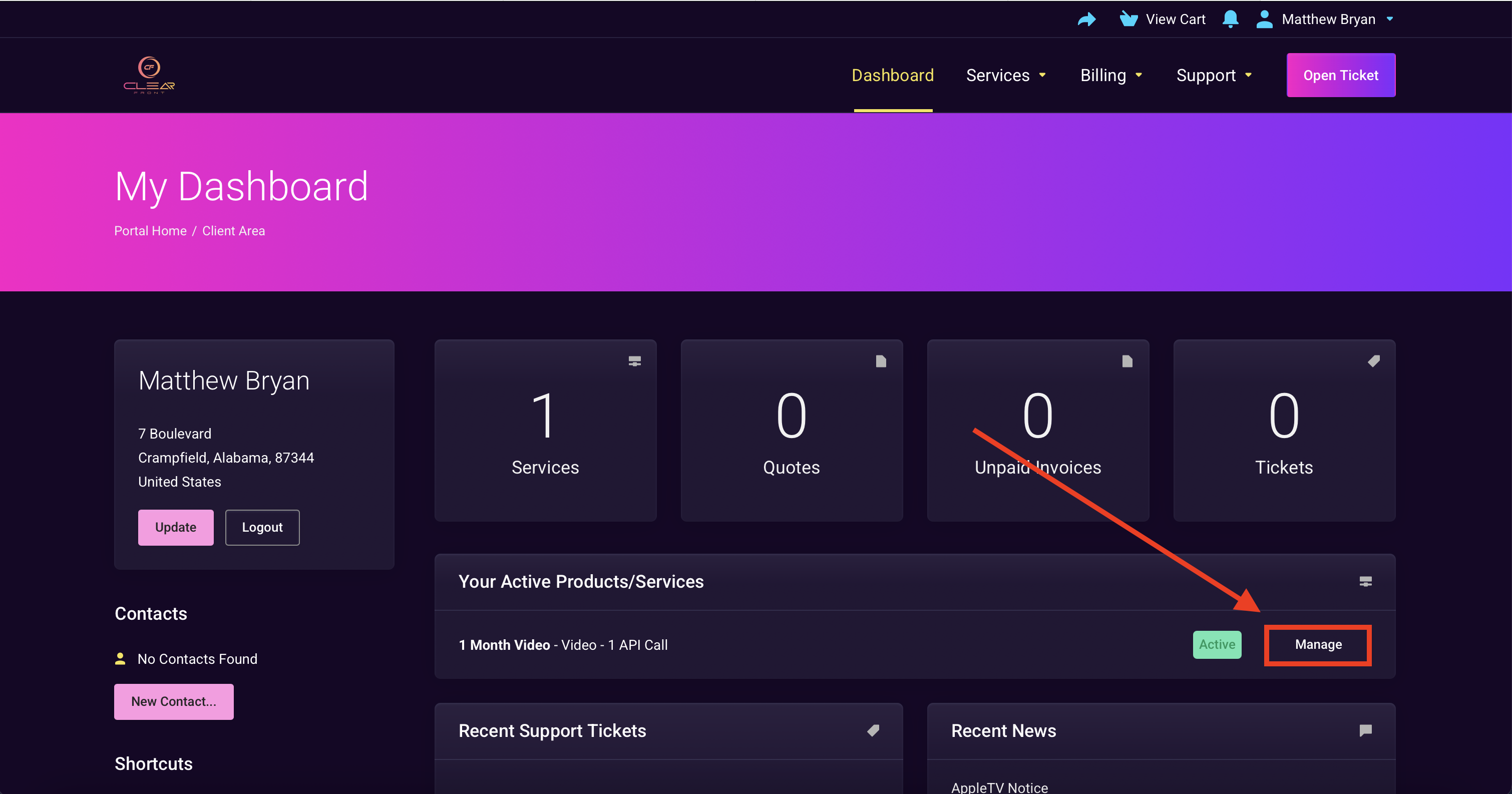
3. Select "Manage"
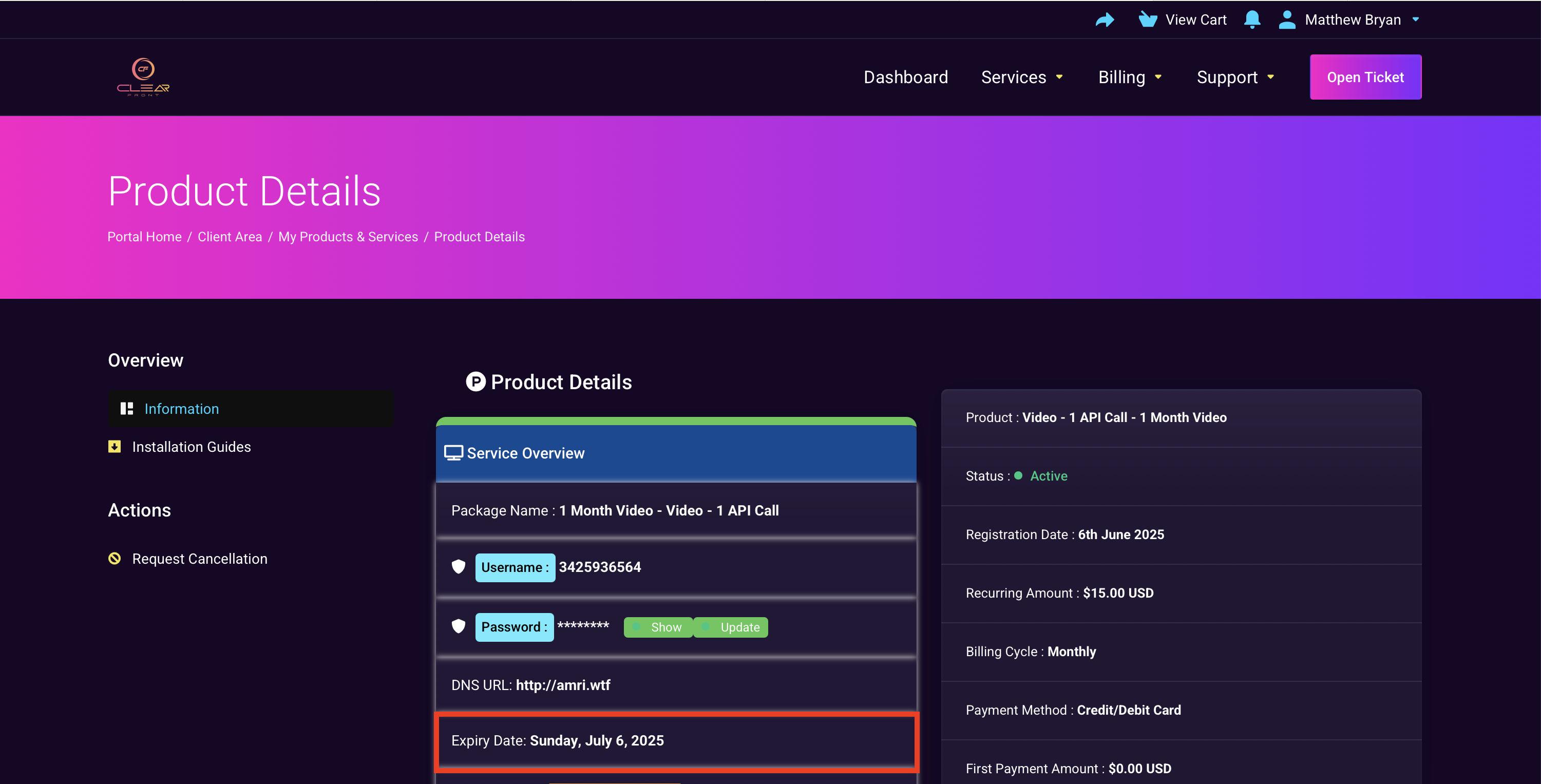
4. You should see your plan expiration date.

2. Sign in into your account by entering your registered Email & Password.
3. Select "Manage"
4. You should see your plan expiration date.
Our system is not setup for recurring payments, so you will never be charged by ClearFront...
If your invoice is overdue, it has likely been cancelled along with your previous subscription....
For your security and privacy, our support team can only assist customers who contact us from the...
Cancelling your subscription with ClearFront is very easy. 1. Sign-in into your ClearFront...
Cancelling an invoice on ClearFront is very easy. Sign-in into your ClearFront account using...